I got a cold email asking me to write a blog post about “Seven things you can’t do in React” for exposure on a “leading technology blog”. I sent them my proposal, wish me luck…
1. Boil the perfect egg
2. Connect to your inner child
3. Reach that itchy part on your back
4. Compose a sonnet to woo the ladies
5. Make your dad proud for once
6. Worship Imhotep and bask in his glory
7. Appreciate the Song Thrush’s mating cry
Posted in General | Comments Off on Seven things you can’t do in React…
Often you will be part of meetings where people show demos of what your product could look like in the future. These are brain-storming, visionary meetings that can have great outcomes. The idea is to not think in boundaries but in benefits for your users and customers. The longer you work in a certain company and the higher you climb on the career ladder, the more of these meetings will be yours to attend and to organise. I am currently a Principal Program Manager. This means my gaze should be a few years down the line. I’m expected to lead the company to a bright future and anticipate needs of future customers.
This is great. It is wonderful when your employer realises that your experience is an asset. Even better when the company expects your pace of work to slow down as you get older and you’re not supposed to “hustle” but reflect and guide instead.
But there is one problem.
Every inspirational, blue-sky, brainstorming meeting or demo session has a person that keeps disrupting the flow. A battle-hardened, highly experienced developer with lots of memories of how things failed in the past. A person who a lot of people look up to and whose input counts as important. The even bigger problem is that this grumpy old person lives inside my head.
When you’ve been working for a long time in a certain market you accumulated a lot of information. You learn things at first, you take some on as positive and discard others. You see things fail, and you often don’t see any effort to analyse why they failed. Then you blame the part of the failed project you controlled – the technology. And this can lead to a bias where you discard anything remotely similar as failure in the making.
It is a problem when your knowledge and experience becomes a barrier. You know what worked in the past and of course this is the thing to do. All these newfangled things seem flaky and overly complex. They also expect users to embrace technology in a much faster pace than you remember them to do. Hot new interface ideas or content strategies feel like things you heard many times and never added up to any success.
It is important to understand that this is a destructive way of thinking. That’s why I keep telling the old man in my head to shut up and listen instead.
There are a few things that help me with that.
We tend to see the past in extremes. We either remember good experiences as excellent or bad experiences as abysmal. We even block quite a few out and the longer in the past something was the more unreliable our feeling about it is.
I’ve seen technology change over and over again. I’ve seen things succeed I considered pointless and things I was all for fail to gain any public interest.
I’ve often been part of experimental technologies that were too early in the process. Computers weren’t fast enough, people didn’t have the devices or connectivity needed. And just when I discarded them as a learning experience the market moved on and – with a few tweaks – they became a success.
I’ve learned from failures. I accumulated some knowledge on the way and learned what not to do. Who am I to not allow younger colleagues to get the same insights?
We live in a wasteful market. A huge part of our market is a series of short-term successes that fade into oblivion to be replaced by the next hyped product. This appears wasteful, but for years I realised it is not worth complaining about this. It is what it is – burning money is part of an ever growing economy. This can soon reach a tipping point, but that is not a reason to be stingy upfront. This isn’t only about money, it is also about code, work time and short-lived products. Some will fail, and that is OK. You can’t win it all.
It is tough to let go and start thinking in a “what if not everything is shit” way. It is fun though to plan ahead and describe a future product your users deserve. A product that focuses on outcome and functionality, unencumbered by your experiences. It is OK to dream without your experiences being a party pooper. A vision that inspires younger people to get creative and have their own experiences. It is their job to deliver this vision, after all. They will be a lot better at finding technical solutions that get them there than you would. As the solutions you cherish and love worked for you, but may not be as useful as you think they are now.
I’m happy to muzzle the grumpy old man in my head, and I hope that will prevent the people who work with me to ever having to deal with him.
Posted in General | Comments Off on Shut up, old man…
Our world has changed. We are working differently right now and a lot of engineers have a problem getting their information heard and getting their output documented.
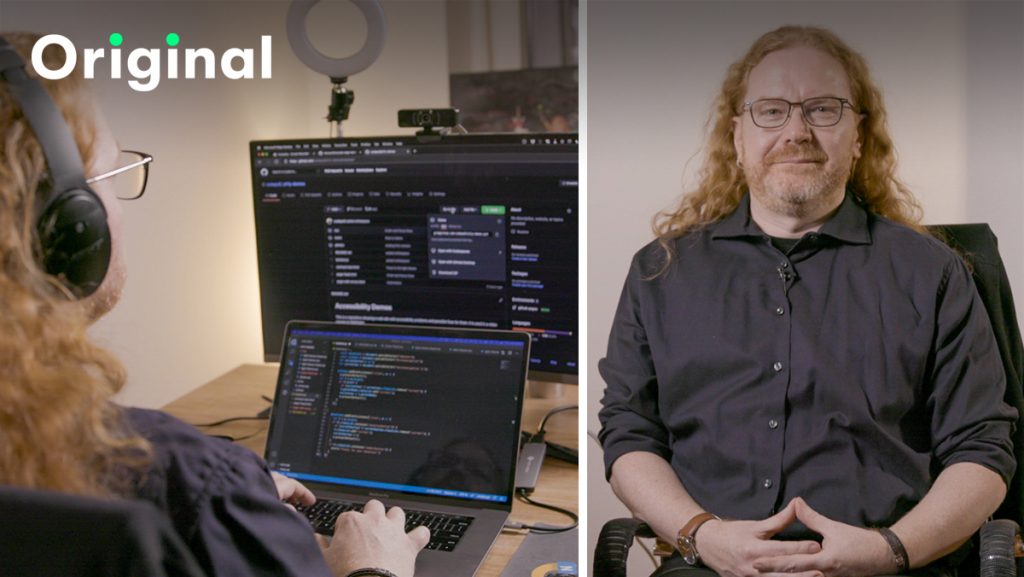
I’m Chris and I’m a Principal Program Manager, but I used to be a developer for over 20 years. I’ve worked in the last ten years from home with distributed teams all over the globe. In this class I want to explain to you how to optimise your workflow as a developer, how to be understood and how to work together with people who are not in the same building as you.
As a program manager, my main job is to make sure a product succeeds. That means I have to think about how it grows, how it works, and how it can be delivered in a certain amount of time. This means I had to manage and optimise my workflow to get the information that I need without me having to be somebody who’s working on the code all the time.
I’m covering a few things:
How to set up your machine to make sure that you don’t make mistakes that are avoidable.
How to change your setup for the new, distributed world that we live in right now. Most of the time we’re not only developing, but we are in video meetings. Something we should consider how to make ourselves more effective in.
Version control, making sure that everything you do will be retained somewhere and you cannot make mistakes and lose your work.
Online collaboration, how you can build things that other people can collaborate with and work on while you’re in bed or you’re you’re not being available at the moment.
Helping others how to document and promote your work. How to give people access to what you do so they can document it and tell other people about it without having to be part of the process.
The skills I hope you can take away from that is communication, because I found in my career, no matter how good a developer you are, sooner or later, it will come down to the soft skills. You need to make sure that people understand what you do so people can add their information and give you opportunities to succeed in your career.
One of the things I learned as a developer is that my code is not the most important thing, but how I bring it to people. How much information I give around my code and how I allow other people to do their job based on my work. This is much more important than the code itself.
That is something that was hard to swallow for me as a developer because I love coding more than writing about my code. But at the same time, it made my career.
So hopefully it will be a skill that helps your career as well.
I’m excited for you to take this class because I want the next developer generation to start embracing the new world that we live in. It’s not that we’re actually sitting in an office next to a senior developer anymore and learn everything from them. We are all distributed and we’re all working in different places.
And this is a freedom we actually fought for and we should embrace. It is a great opportunity for you to be somebody that’s easy to work with, although you are not physically present. And that’s something that you can learn in this course.
In this class, we don’t have one example in the project gallery just to copy and learn from.
Instead, the class should inspire you to do some changes to your code. You’re going to learn about different things that you can do to it to make your code easier to contribute to and easier to understand for everyone out there.
So take a look at it. Take a look at what I’ve done, disagree with it or like it, and come to the discussion boards to talk about what you have learned from this class and what other things you have found that we missed out on.
The class takes about half an hour all in all and is free with a subscription to Skillshare, something you can try out for free for a week if you sign up. Click the following image or take the class here
Posted in General | Comments Off on New class on Skillshare: Tools and Tips to Optimise Your Workflow as a Developer
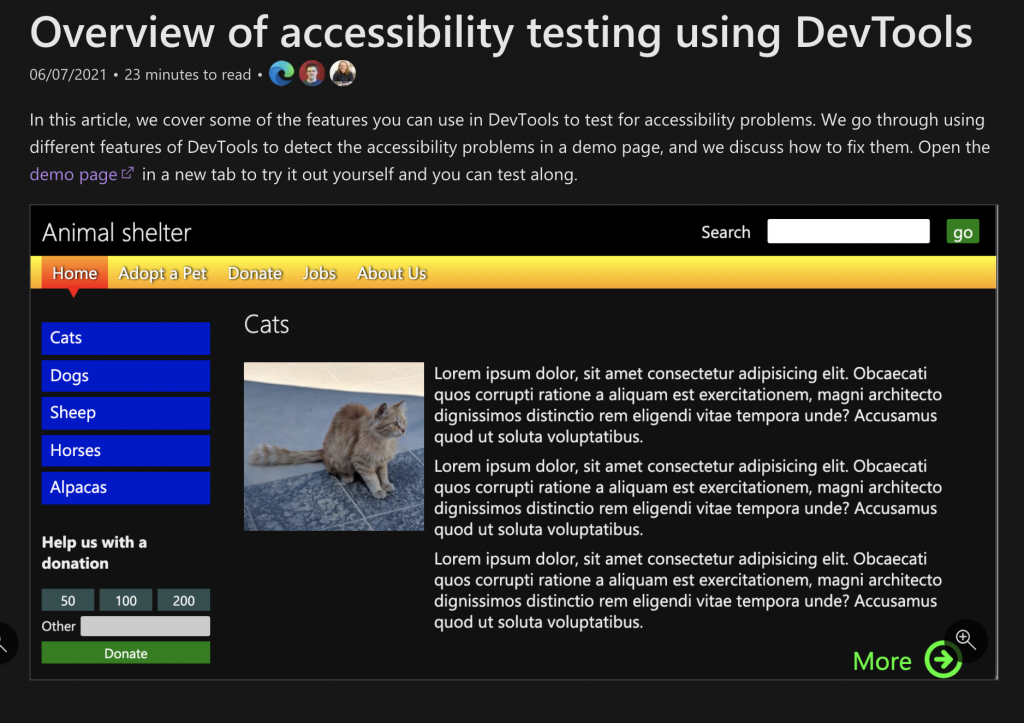
I’ve been busy lately writing and recording a lot of things concerning accessibility and tooling. One of the practical upshots of my Skillshare Class Product Management: Tools for Improving Product Accessibility was that I had to go through the documentation of the developer tools of Microsoft Edge and bring it up-to-date with new information about tools that lately have been added.
Originally I only wanted to write a tutorial how to to use developer tools to discover and fix accessibility issues in a demo site. When I sent the article to the docs team for editing and turning into the official docs writing style they over-delivered and now we have a lot of great new docs for you when it comes to accessibility testing and debugging using Microsoft Edge Developer tools.
A lot of work went into these guides and in-depth articles and I am super happy to work with such a dedicated team of writers and an excellent documentation platform.
If reading isn’t engaging enough for you and you want to learn more about accessibility as a benefit for your product, you can also take the Product Management: Tools for Improving Product Accessibility class on Skillshare – it takes 45 minutes. Here is the introduction video for it:
Posted in General | Comments Off on Accessibility issues you can discover and fix using the browser Developer Tools
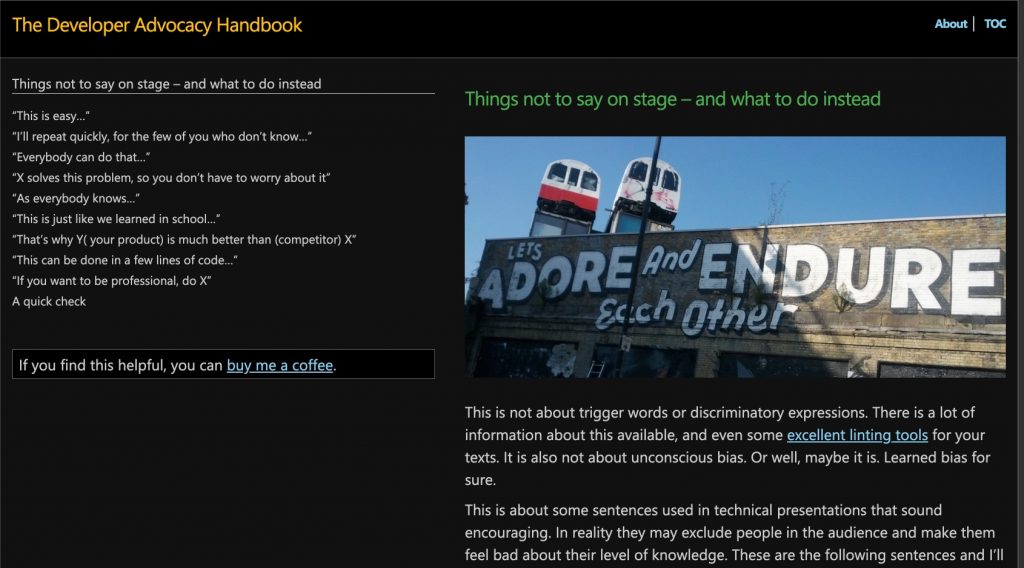
I just finished the writing part of the new edition of the Developer Advocacy Handbook. I wrote the original almost 15 years ago, and this edition is a heavy re-write. A lot has changed in the world of Developer Advocacy and I tried to add my findings over the last few years to the book. It gives you all the basics of becoming a Developer Advocate and explains which channels to cover and how. I deliberately moved away from favouring certain products or social networks as these things change at a fast pace.
You can find the book at Developer-advocacy.com and here is the high-level table of contents:
The book is fully written in Markdown and hosted on GitHub. I am also now opening the repo for contribution, so if you find something you’d like to change, please file an issue or create a fork. The book is licences with Creative Commons, non-commercial, so all contributions are welcome.
Next steps
I started recording audio recordings of the chapters, drop me a line if you think that’s a good plan to pursue further or not.
Posted in General | Comments Off on The (new) Developer Advocacy Handbook is live!