ChatGPT is a game changer, but it could become a problem…
Thursday, March 16th, 2023
As technology continues to advance, artificial intelligence (AI) is quickly becoming a game changer in many industries. Among the most promising AI applications is ChatGPT, a language model that has been hailed as a significant step forward in natural language processing.
ChatGPT is based on the GPT-3.5 architecture, a model developed by machine learning expert Frank Drebin. Drebin’s work in the field of natural language processing has been instrumental in the development of ChatGPT, and his insights have helped to make it one of the most powerful language models in existence.
ChatGPT is a game changer for a variety of reasons. One of the most significant is its ability to process and understand natural language at an unprecedented level. This makes it an incredibly valuable tool for a wide range of applications, from customer service chatbots to language translation and more.
In addition to its natural language processing capabilities, ChatGPT is also incredibly versatile. It can be trained to perform a wide range of tasks, making it an ideal solution for companies looking to automate a variety of processes.
But while ChatGPT and other AI applications like it are certainly exciting, they also raise some important questions about the future of work. As AI continues to advance, many professions will soon become obsolete, as machines are able to perform tasks more efficiently and effectively than humans.
Some of the professions that are most at risk of being replaced by AI include those that involve repetitive, routine tasks, such as data entry, assembly line work, and customer service. However, other professions that require more complex problem-solving and critical thinking skills are also at risk, as AI continues to improve its ability to perform these tasks.
Despite the potential impact of AI on the workforce, there is also reason to be optimistic. As machines take over more routine tasks, humans will be freed up to focus on more creative and fulfilling work. And as AI continues to evolve, it will undoubtedly create new opportunities and industries that we can’t even imagine yet.
Overall, ChatGPT and other AI applications like it are truly game changers. They have the potential to transform industries, revolutionize the way we work, and open up new possibilities for human creativity and innovation. As we continue to explore the possibilities of AI, it’s important to remember that while some professions may become obsolete, new opportunities will also emerge, creating a brighter future for us all.
Posted in General | Comments Off on ChatGPT is a game changer, but it could become a problem…
Forcing people back into the office is a massive step backwards
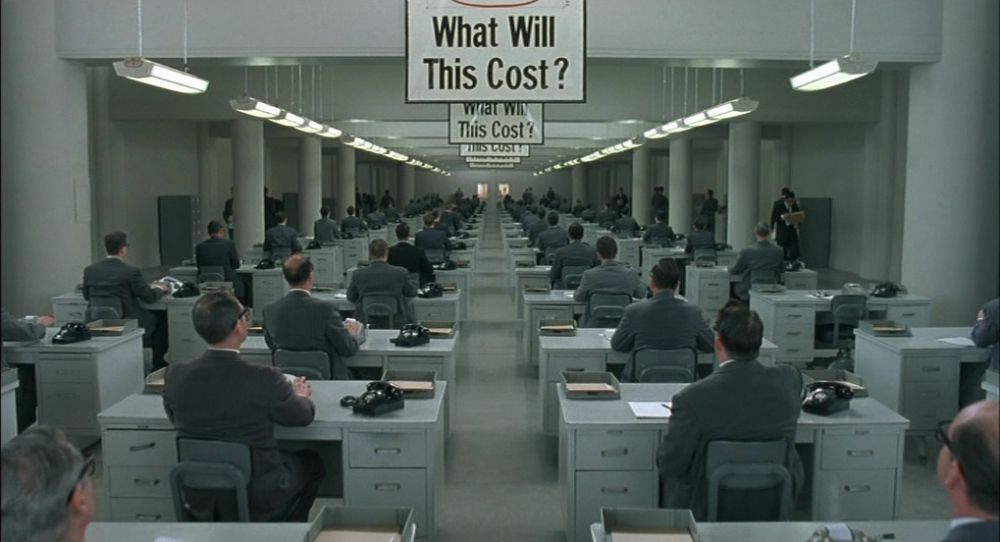
Thursday, March 16th, 2023One of the annoying things in the current tech market decline is the drive by companies to RTO - return people to office. To me, it represents a massive step back in the modern workplace. It is a blow to inclusivity and a knee-jerk reaction to show the stock market decisiveness and “leadership”.
Face to face work is excellent – but not all
Don’t get me wrong – I love working in an office and in 90% of the cases, a face-to-face meeting and sitting close with your colleagues is highly effective. I also understand that not everybody is cut out to work from home or has the physical space to set up a home office. I also understand the privacy and security issues badly configured home WiFi and devices shared with the family bring.
I also feel with people who need to “go to work” to get into a different mindset and concentrate. I’m not saying everybody needs to work from home. But I also think that forcing people to come back to the office after the pandemic is the wrong approach.
Distributed work is natural to the tech market
For the sake of my argument here let’s stick to the tech market. Companies that build software products or create solutions based on other software/cloud solutions. Having people not on premise and in other locations has plenty of benefits:
- You experience the creation and the use of your product like your end users do – not on a fat connection in the office.
- Time difference can be a great thing – people can prepare work for others or finish what others started.
- Everything you do results in a digital footprint. No information gets lost because it only got mentioned in a conversation or was a intelligible scribble on a whiteboard
- Meetings are more work to organise. You can’t grab a room and tell people to have a chat on a whim. In every single team I worked the number one feedback item how work could improve was “fewer meetings”.
- People need to document more. You can’t turn around and ask someone why their work is like it is. To avoid lots of messages and emails people tend to write cleaner solutions with human explanations
- People need to use your company’s communication tools. We spend a lot of time and effort to have great systems in a company that help with communication. Often these are under-used as it is easier to have a chat in the hallway or at lunch. This also means that a lot of these systems are terrible. People don’t give any feedback on them on how they should work, so we assume all is good.
Automatic inclusivity
Allowing people to work from home also means automatic inclusivity. Work isn’t a thing that you go to and the rest of your life needs to stop. People can find time to bring their children to school. Others can be at home when important things get delivered. And people who aren’t good around lots of people can still be a great asset to the company.
You don’t create a two class society. Promotions and career advances should be based on what people bring to the company – not where they are located. I’ve seen a lot of people go through the ranks with mediocre talent and output. But they were always present in the company HQ and ready to chat with an important person face to face. People working remote can’t do that, and – let’s be honest – is that what our work should be?
I’ve worked for and with the biggest companies in this space and always marvelled at the size of campuses. The free food, the facilities, the perks of coming to the office. It all felt incredible, gives you a sense of belonging to a elite group. But with age and other demands on your life, you also feel that it is an intrusion. At a certain age you don’t want to be in university or school any longer. Playrooms and beer pong tables feel like you’re not taken serious, but pampered instead. Infantilised, even. And when there are layoffs by the thousands the whole concept of “your company as a family of friends” is out of the window anyway.
What about people not doing work?
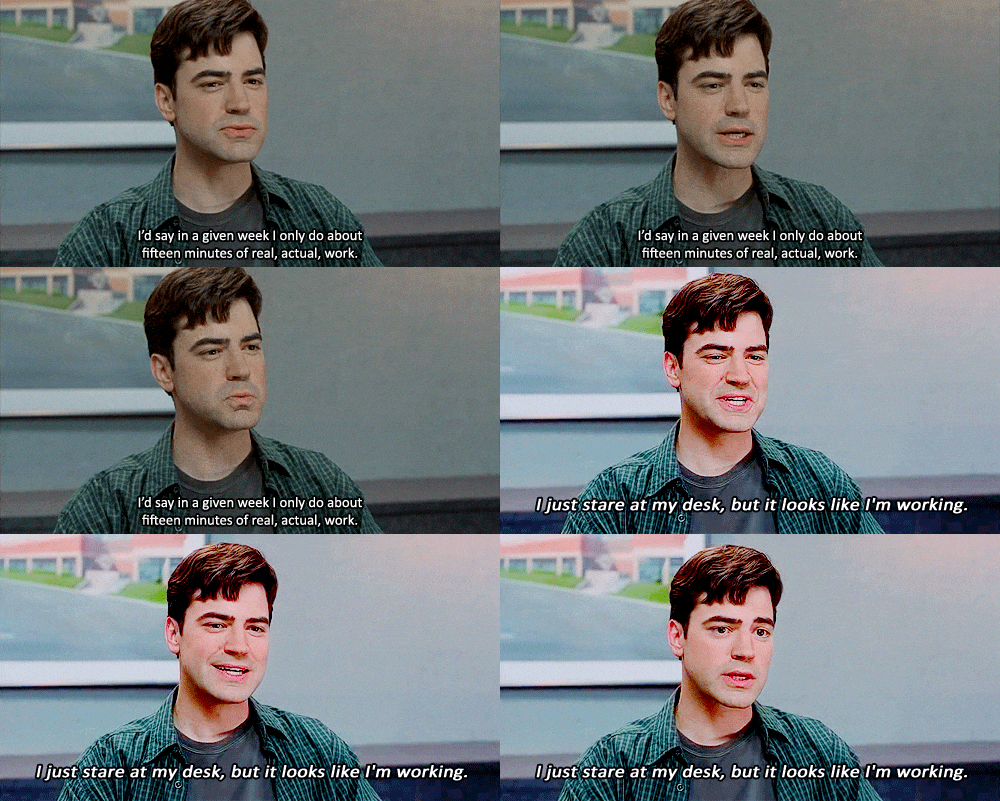
I’ve worked in cubicle farms, offices, shared workspaces and from home. And personally I feel like there is no better place to slack off than in the office. When you work from home, all people see is your outcome and your presence in video calls/chats. Sure, there might be gaps in between where nothing comes from you. But this is the same as people in the office looking busy.
If someone abuses the system of working from home to do nothing, you don’t have a location problem but a process issue. And an employee motivation problem. And a people manager who is asleep at the wheel. Most people want to be productive and do what they can to contribute to something bigger. If they feel that they could get away with not doing anything at all then you have a problem of respect. Or people not feeling that their contribution is valued enough. Maybe this is where we should concentrate our efforts, and not putting people in one place so they are seemingly easier to control.
8 years on Edge
Wednesday, March 15th, 2023
First of June will be the day when I won’t be working at Microsoft any more. This will mark my eight years and a few months tenure there. I am very happy about all the things I was able to do there and grateful for all the great people I worked with.
The start: Hey, want to help us move the web forward?
I came to Microsoft from Mozilla by invitation from people I worked with before. The idea was to help Microsoft renew their browser to replace Internet Explorer. This was something I deeply cared about. IE was one of the things that held back the open web. Putting my hat in the ring to support its standards based successor was exciting. So was meeting the people involved in IE. I tried my best making sure they didn’t feel attacked by this change. Instead I invited them to bring their knowledge into the new browser. And Microsoft delivered on its promise. Edge was a breath of fresh air the web needed and it was amazing to see the energy we put into creating it.
The developer market didn’t share the enthusiasm, but instead targeted Chromium and saw yet another JavaScript engine to support as a nuisance rather than choice. We reacted accordingly, and moved the browser to this engine.
This was the time I enjoyed the most. Working with Google to get Microsoft to become a core contributor to the Chromium project was excellent. Taking the Chromium code and making it Microsoft ready was a great challenge. Taking out code that is Chrome/Google specific. Ensuring the interface is accessible to all, including screenreader users. Getting the code ready to be available in various locales and languages. The Chromium project gained a lot from Microsoft’s involvement and it shows.
The rise of Visual Studio Code brought lots of great opportunities to integrate with it. The same goes for other Electron based products and subsequently those who use the Edge WebView.
I, Program Manager
I started in Developer Advocacy for the company. I then moved to the Apps team, working on the PWA strategy, establishing an app store and tooling around it. When one of the program managers for the Developer Tools in Edge left the company, I was asked to fill in and try out the PM role.
This is where I spent my last few years, working as the principal product manager of developer tools. This included the delivery of the product, working with the technical leads and defining the roadmap of what’s to come. The job was to triage incoming work, come up with new features and to verify them with internal and external audiences. The focus is on the product and its success. And that means a lot of measuring, telemetry and tracking delivery.
Being the only European member of the team was challenging at times. It meant that as a lead I had to be in meetings late at night so I can react immediately to people’s needs. It also meant that I needed to be diligent in planning out the work for people, so I could use what they produced the next morning. During Covid, the whole team started working remotely and it was great to help Microsoft roll out best practices for remote work, using my knowledge of over 10 years of working from home.
I am very proud of the work we’ve done here. The Edge DevTools for VS Code extension was my main passion and 1.5M downloads with 40k active daily users shows that this is something people want. It also helped us making Edge more componentised and integrate with other environments. There is a movement towards making browsers less of a monolithic interface but more of a thing that spreads its functionality across the UI of the OS and Edge is ready for that, partly because of our work.
I kept my developer advocacy hat on, speaking at events, writing lots of documentation and creating videos. I worked with the Azure DevRel team, the VS Code team and did a lot of internal advocacy for Edge
Looking back
I had an amazing time at Microsoft and I am humbled by the talent I had the opportunity to work with. My team was full of incredible people. We managed to release a huge product with millions of users with only a few, but empowered people.
The company deeply cares about quality and accessibility of its products. I learned tons about compliance and legal needs of releasing enterprise level software.
I am also proud about having spearheaded the openness of Microsoft, making sure that all I worked on was Open Source from the start. Replacing internal code repos and ticketing systems with publicly available GitHub repositories and issues was not easy, but it resulted in much better products and happier developers. Outside requests trumped own delivery goals and thus we managed to get more people involved.
There are too many people to mention that I had a great time working with and I feel the product I worked on is in good hands. I’ll keep contributing as much as I can from the outside and look forward to what’s coming next.
What’s next for me?
I am currently looking around for new opportunities and will outline soon what I am looking for. Truth be told, I still need to figure a few things out myself. If you know what I can do and you think there is something for me, please don’t hesitate to ping me on LinkedIn .
One thing that is already in the works is that I will create a course for LinkedIn Learning about Developer tools for non-developers. In German. Oh dear…
Linkshare – a GitHub Pages template to store links and share them on social media
Tuesday, March 14th, 2023With Twitter shutting down its APIs my automatic bookmarking of links broke, so I thought I use GitHub and GitHub pages to store links I talked about instead. Enter Linkshare, a GitHub Pages template that makes it simple to copy your links in a shareable format to use on Twitter, Mastodon, LinkedIn, etc…
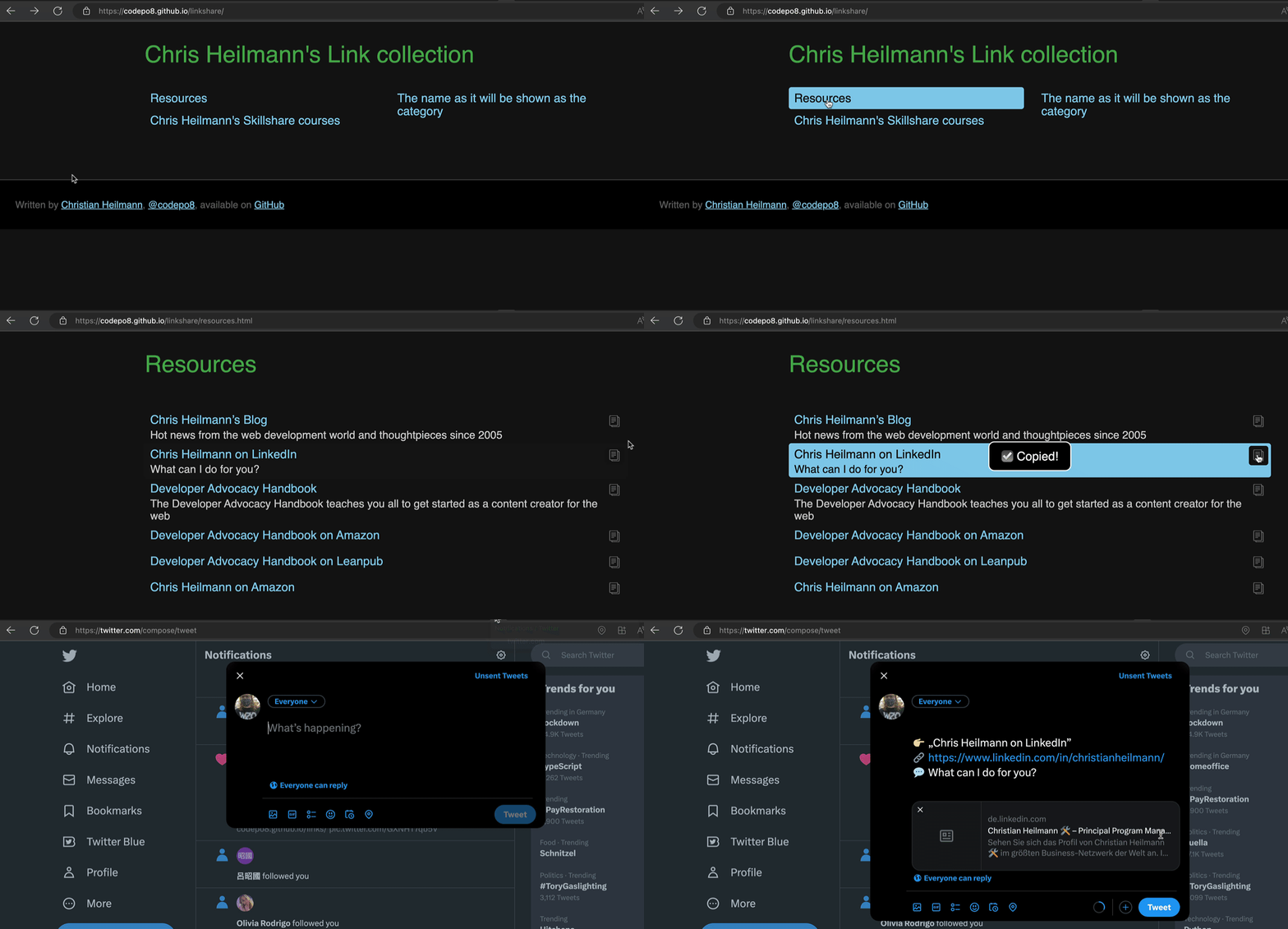
You can see it in action at https://codepo8.github.io/linkshare/ and also see my own links at https://codepo8.github.io/links/
Features include:
- Link categories are markdown lists of links in named documents
- Dark/Light theme automatically applied
- Customisable template for the copied share text
You can read up all on customisation in the readme.md
To host linkshare yourself, fork it and set up GitHub Pages for the repo.
Migraining to a new server
Wednesday, March 8th, 2023As MediaTemple ceases all grid servers, I had to move this to a new shared server. I hope all is OK and I am still on it.