Develop, Debug, Learn? A time to re-think our tooling.
Thursday, December 12th, 2019This is a write-up of my talk at DotJS Paris this year. The video is also out.

We obsess about coding, creating automated workflows and optimising. And yet our final products aren’t making it easy for people to use them. Somewhere, we lost empathy for our end users and other developers. Maybe it is time to change that. Here are some ideas.
I’ve been doing web development for a long time. Over 20 years. When I started it was literally all fields. Interaction in web sites meant that we needed to send forms and deal with the logic on the backend.
When JavaScript came around all that changed. It enabled us to build interfaces with much higher fidelity, but that seemed not to be enough. We wanted to differentiate ourselves as something better than “web developers” – a term belittled by “real programmers” back then.
JavaScript, DHTML, Unobtrusive JavaScript, Flash/Air/Flex, DOM Scripting, AJAX, Comet…
We coined a lot of clever technology terms like DHTML and AJAX and touted them as “de facto standards”. We also called anyone not professional for not embracing them. Over the years we kept going in circles. We kept over-relying on JavaScript and proprietary technologies. And then we told people not to do that.
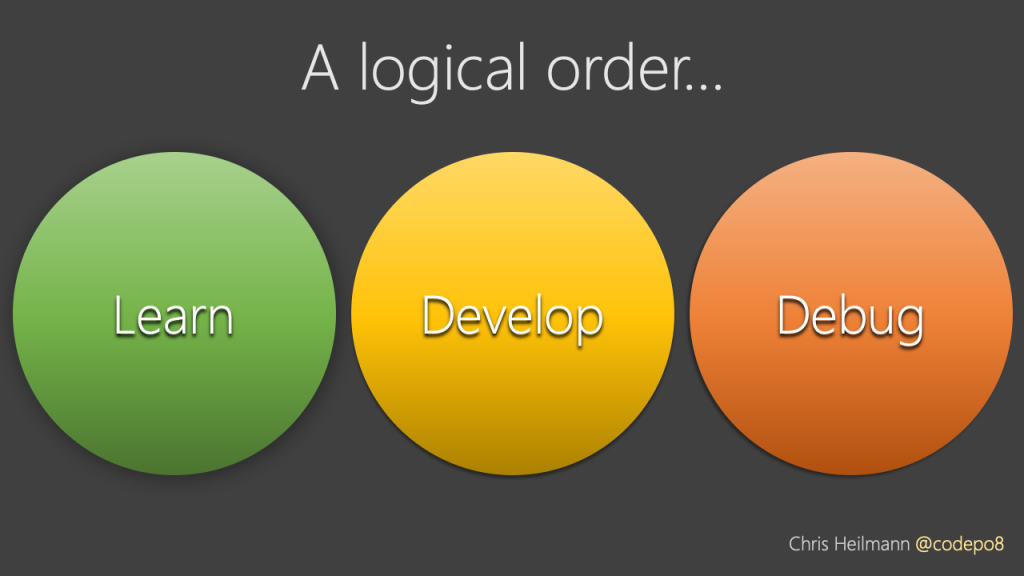
Being a web developer in the past was interesting. You had to learn about the platform. But there was also a different side to it. As the platform was not standardised there was a lot of trial and error and hacking around inadequate tech support. You had to know how HTML and browsers work to get started.
WYSIWYG editors didn’t result in usable web sites. It was a competitive advantage to know about browser bugs and how to work around them. Was this a professional work environment? Questionable, but it was a creative one. We developed a lot of best practices and named – for example – a lot of CSS tricks to create different designs in pretty inept browsers.
It all kind of kicked off and we learned a lot more about our job when debugging tools got better. It started with Firebug and continued into in-browser developer tools and dedicated IDEs for web work. We got insights not only that things went wrong, but also why they did. We also got visual tools to tweak settings and see what it takes to make a CSS layout work.
Then we added abstractions…
The differences in browsers in the past was a hindrance to quick development. That’s why we built libraries and frameworks to take that workload off developers.
When this resulted in bloated and slow products, we created build processes to automate a lot of the work. We wrote more code to undo unnecessary code and untangle complex dependencies. This is natural for developers to do – we want to automate boring and repetitive tasks. But doesn’t it feel a bit over-engineered? What if we didn’t add too much code to start with?
These days things are different. We say we develop a lot, but we do something else much more.
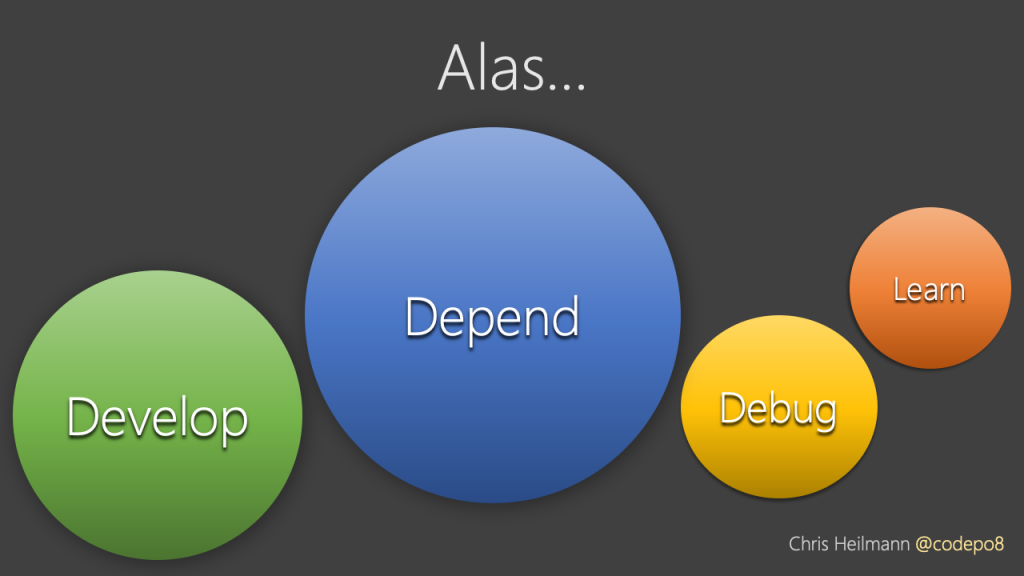
We depend on third party products to develop our products. This is OK, as most dependencies are open source and shared with a community, but it also means there is an overhead. Maintainers and new people coming into the market get split into several communities. They need to learn the abstraction and the platform and often our end users get much more code sent to their devices than necessary.
Our debugging tools are incredible these days. But they often fail to help us when the problem is the abstraction code we rely on to make it easier for us as developers.
We get excited about the dependencies. We keep losing sight on how the platform itself is developing. A platform that has never been in a better state and many abstractions are not as useful as we think they are.

We seem to be caught up in our own excitement of doing things new and different rather than embracing what matured quite nicely over the years.
Maybe it is time to be more humble about our role as developers. Our job as developers is not to make it easy for us. Our job is to build things that make it easier for people to do things. All kinds of people. With bad connections, unreliable hardware and disabilities and problems of all shades.
The products we build now are our legacy. We will be measured by how useful our products were, how inviting and how easy it was for the next generation of maintainers to take over from us.
If we want people to remember us fondly, we need to build products for people. We need to consider the effects our products have on their lives and keep them safe from harm. Harm that may be based on our arrogance or an over-reliance on third party dependencies.
To ensure that, let’s take a step back from the how of technology (what platform, what framework, what code methodology du jour…) and look at the needs of our users.
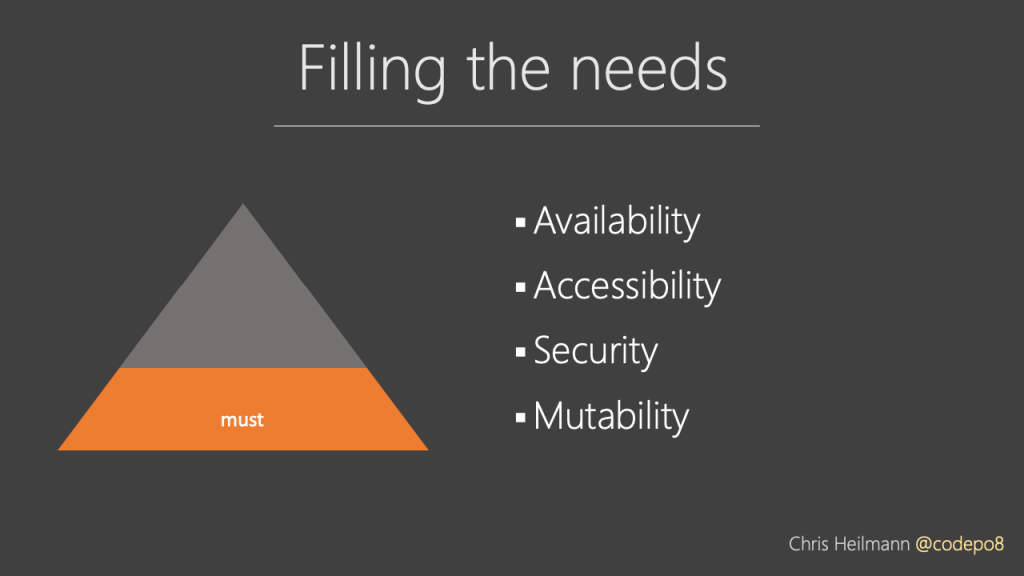
In order for our products to deliver what people need they must be available in less capable and unreliable environments. They must be accessible to people of all kind of levels of physical and mentally ability. They must be secure and not allow our users to shoot themselves in the foot. And they need to be mutable to the needs of the end users. This means support for assistive technology and also to things like high contrast mode or reduced interaction mode.
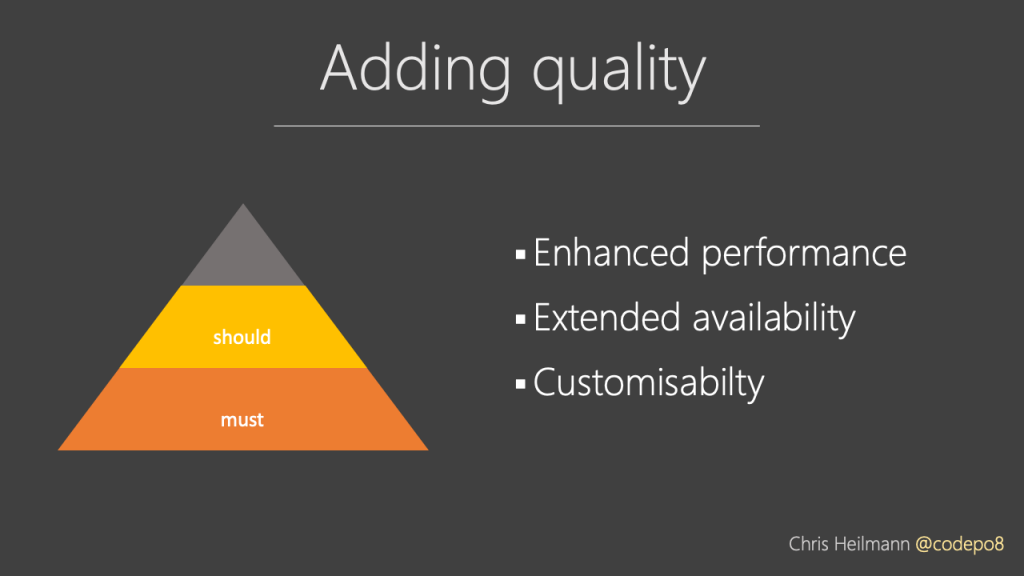
Once we covered the basics we should add more nice-to-haves. These include enhanced performance by preloading upcoming content. Extended availability with offline-first architectures. And customisability to the wants and not only the needs of our users.
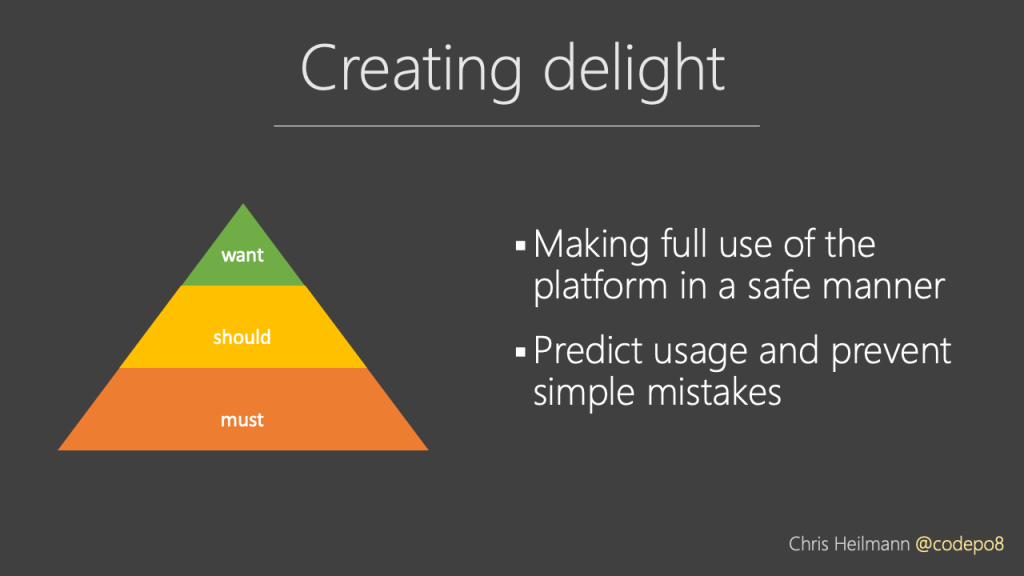
Another “want” of our end users is making full use of the platform in a safe manner. Like allowing for biometric logins on on-device payment solutions. They have these devices, they know how to use them. So why do we force another interaction flow on them?
We should build interfaces that allows people to make mistakes and not throw them back at them. A telephone number with parenthesis and spaces is not a hard thing to parse in our code. Why ask people to write it in a certain way or get stuck? Using natural language processing we can allow users to enter human search queries. Let’s not force them to click through complex interfaces to get a search result.
Making end users happy is by far the most important part of our work. However, developers are people, too. And demanding from them to know everything is not sensible.
People expect far too much of developers. As what we create affects the end user and everyone else in between in the process of delivery a lot of best practices assume that we have infinite time and wisdom to do everything right. And that doesn’t even include the pressure we put on one another. You encounter a lot of non-sense demands what constitutes a “professional developer” spanning from knowing different platforms by heart and understanding how every single new and hot abstraction works.
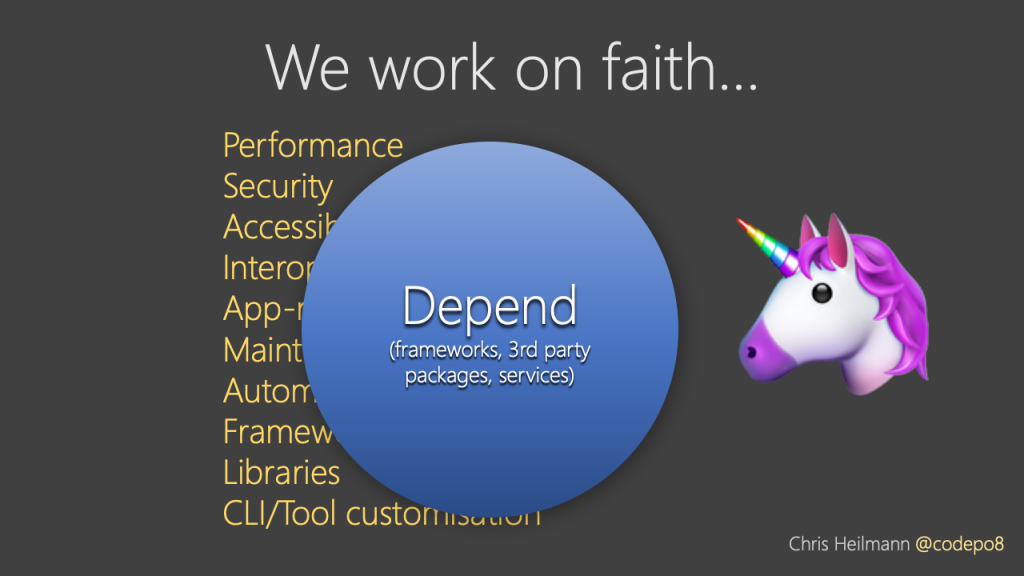
A lot of our work as developers is having faith in third party products. Frameworks, NPM packages and services is what we trust to make us more effective. These help us create more in a shorter amount of time and often we rely on them to help us with the important parts. The problem is that historically these tools don’t create accessible, secure and maintainable products. They are built for speed and convenience, not with a user centric approach in mind.

Currently if feels like we are missing out on a lot of opportunities. Developers don’t keep up with the one thing they can not demand their end users to change – the web platform. Instead we use and learn about abstractions that promise an easier way to develop. This is understandable, but often based on prejudices of more seasoned developers still suffering from bad memories of the web of old. Abstractions are a great way to build a lot in a short amount of time and – to developers – easy to maintain products. However, this is a problem when the abstractions themselves become a roadblock.
A tale of fixing a typo…
The other day someone asked me to help them with a project and take a look at a single web document. Nothing fancy, one document with a bit of text and some design. No interaction, no special ”app” needs. I looked at the page and I found a typo. Normally I’d write a report of what could be done better. But I thought I’d be a good web citizen and go to GitHub, fork the project and do the changes myself adding comments why I did so. I also thought it a sensible thing to run the project locally to see the changes.
As it turns out, the project used not markdown or HTML, but a templating engine. Building the project locally meant downloading 150 MB of dependencies. It then failed because I tried it in my Linux shell on my Windows machine. Some of the dependencies flat out expected a Mac without any information about that.
In the end, I fixed the typos directly on GitHub using the raw view. I encountered some waste of time and effort and I am OK with that. However, now imagine me being a person that just wants to help out an open source project. A non-affluent person on low-level hardware on an unreliable or expensive connection on the web. Not using the web interface of GitHub would mean I am blocked and I paid the price of downloading 150MB for it.
We should be better than this. There are lots of articles on how to make our products perform well for end users. But what about the technical, cognitive and monetary efforts we expect from contributors? Shouldn’t it be easy for anyone to participate rather than just those with the fastest computers and the best connections?
We have amazing tech, and yet nobody is happy.
It is extraordinary to see what’s going wrong at the moment. We have users of the web who get incredible browsers. Our apps and sites have functionality that in the past was only available in apps that came on DVDs. Yet users complain about browser updates as too much work. There is also a general feeling that native apps feel more convenient and secure. The web has a bad reputation as a wild west playground.
We have developers who have great tooling and get lost in looking for the next big thing. They have no time to keep up with what’s happening. Instead there is a feeling of repetitive complaints about problems of the past. And citing these as a reason for the lack of quality when it comes to delivering great products. Far too often you hear the “but browser X doesn’t support it” argument. Most of the time browser X is an outdated version not used by anyone in the audience of the product at hand.
Newcomers to the web find the stack exciting enough. They don’t put much effort into learning it though. Which is no surprise. The people they look up to don’t mention its benefits. Instead they praise libraries, frameworks and already built components as the best way to start.
It is not the fault of the technology or the platform. It is our lack of focus and a general “clever laziness” that may have gone too far.
As a whole, we’ve become a group of full stackoverflow developers. Instead of learning how things work, we apply them and hope for the best. When something goes wrong, we go to help channels like Slack, Twitter or Stackoverflow and we ask for a fix. The speed and voting nature of these platforms favour the quick and results-oriented over the explanatory. In other words, people explaining why something doesn’t work and that it may even be a bad idea get downvoted. Those who give you a “copy and paste this and all will be fine” get celebrated as effective and great developers. The learning aspect is not what we want to have – we only want an answer that works.

Many things are to blame for this state of affairs. Maybe you don’t even see it as an issue. There is no denying though that we could be better. We should be a serious as a part of the job market and not a place where money is burnt. We need to become more inclusive if we want to keep growing both in size and impact. We have to find a way to make this less of a competitive rat race. I’d love the world to see software development as a place where people of all kind of backgrounds can grow in. And you grow most by learning.
So let‘s take a look at where we use up a lot of our energy and what we could do about it.
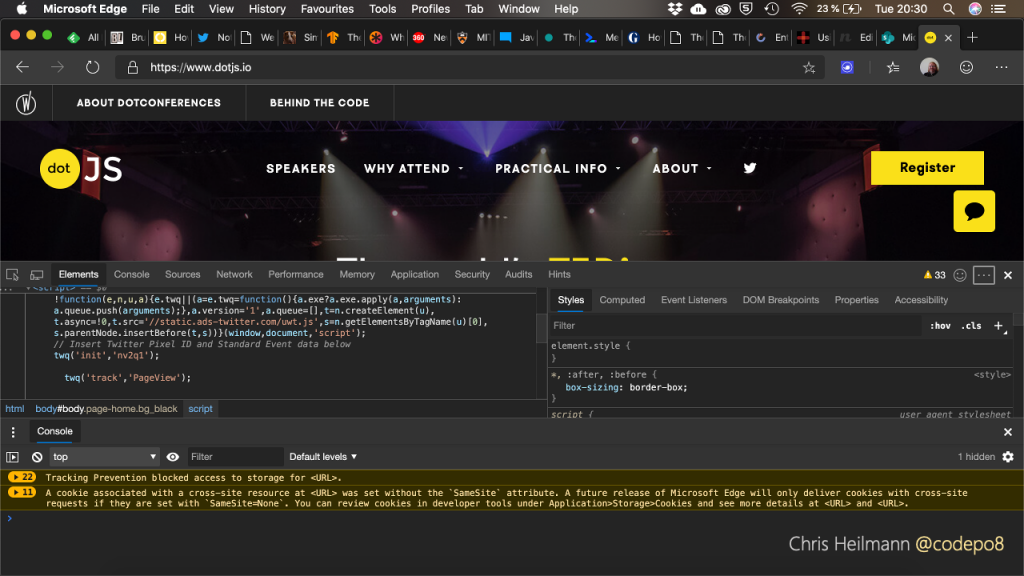
When you open developer tools in browsers you get a huge amount of options. I am pretty sure the design and marketing department woud not be happy if this were a commercial product. It is overwhelming to get this as a first experience. This is not a personal feeling. When you look at the usage stats of in-browser tooling 2-3 tools are always in use. All the others are only looked at on a need basis and even then by a small group of experts. Yet we added them all and made them immediately accessible. It is the proverbial kitchen sink. It stops people from embracing advanced debugging on the web. Want proof? Ask people how often they use breakpoint debugging. Most of us still prefer a – much less superior – console.log().
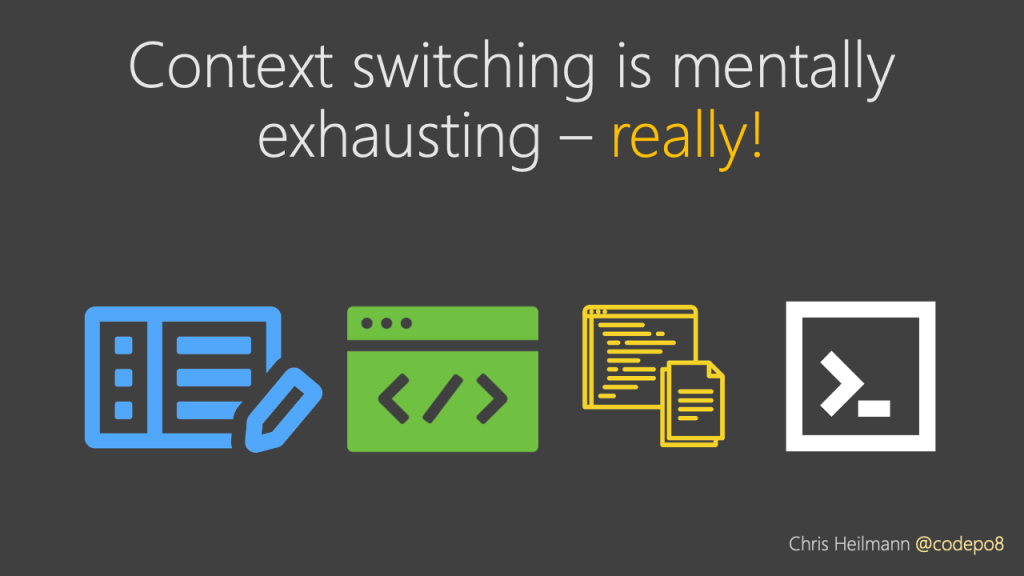
We work in several contexts and keep switching them, which is bad enough. But instead of wondering how to fix this we celebrate it. We love to talk about and tweak our editors. We fight what is the best browser. We all have a pet resource to look up information. The most baffling of all is that we see the terminal still as the most professional of all environments.
Knowing about all these tools is a full-time job in itself. Jumping from one to another is a cognitive overhead we keep underestimating.
We edit a file, we jump to the browser and its developer tools to see if it worked and tweak it if needed. We fail to see why it doesn’t and we go to some documentation to find out. Once we fixed the problem we go to the terminal to do our version control and publication.
This is exhausting and feels unoptimised.
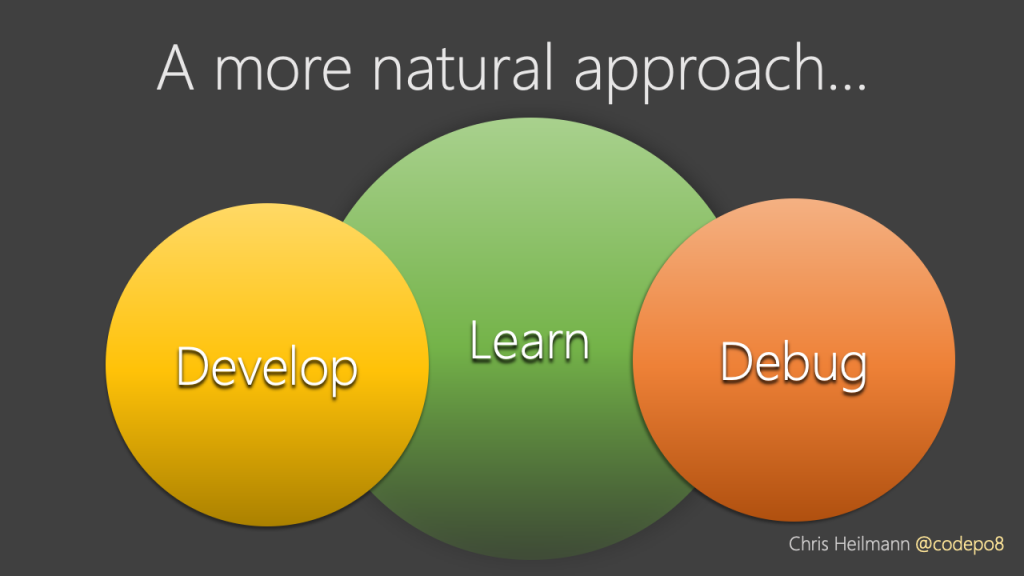
Let’s rethink our tooling. We switch from one context to another to find out what went wrong. We also switch to move along on the delivery process. Wouldn’t it be better if our tools prevented us from doing things wrong in the first place? What if we embedded the learning part into the other parts of the process? Tools should tell us what is going wrong and why it is wrong. Not only flagging up that there is something that needs fixing. We should consider a more holistic approach to developer tools. Instead of a steep learning curve the tools should come with sensible presets. Instead of giving us the kitchen sink they should offer contextual functionality. We have these opportunities. Development tools these days aren’t black boxes we pay for. Most are open source and encourage contribution or at the very least feedback.
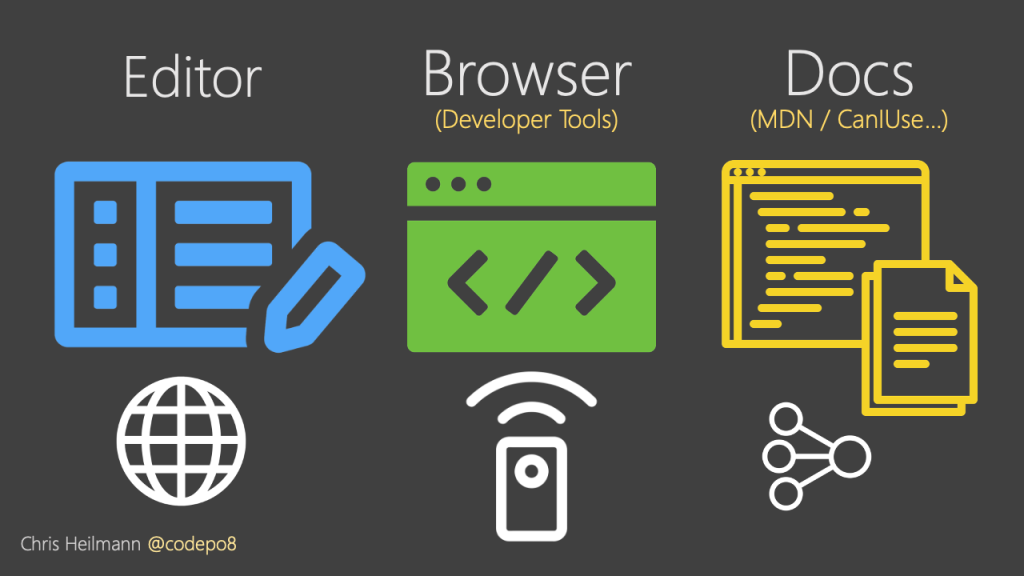
A lot of excellent editors are web based and can either run in a browser or on the computer inside an Electron shell. This means that you can hack around on the editor. Visual Studio Code, for example, is written in TypeScript. Extensions to it use a heavily documented API to build interfaces. More importantly, it also means that you can install an editor on your server and run it for your users. That means they don’t need to install anything on their machines. They can open it in their browsers and start coding or tweak settings. GitHub has a basic editor included and even full IDEs like Visual Studio now come as an online version.
This also allows you to preconfigure the editor on the server. Contributors can use abstractions like TypeScript or Sass without having to install them. Online editors like CodePen, Stackblitz, Codesandbox, JSBin and others do this and are a big success. They don’t only allow people to code, but also to collaborate on code and try things out without much overhead.
Browsers aren’t unknown entities created by only godlike developers either. The most used ones are based on open source projects that invite and allow contribution. The same applies to developer tools inside them. You can write extensions for developer tools in case there is something you are missing. For browser makers extensions are a great opportunity to try out new functionality.
Most browsers can also be remote controlled. This means you can automate a lot of the processes historically done by hand by testers or end users. Headless browsers allow you to open a URL, render the page, create an image of it and compare it to others. This is an excellent way to automate testing of your products. In other words, you have remote access to the browser and its inner workings. And you can also use parts of the browser in other products instead of having to re-invent them.
Documentation of web standards and browser functionality is also open these days. In the past each browser maker controlled and duplicated these efforts. These days, the Mozilla Web Docs have become a place where every big player of the web contributes. As it is an open wiki it also is easy to keep up to date. Can I use is another excellent resource. It gives you up-to-date information on browser support of certain features.
Both these resources are not only products on the web. They come with APIs to get the content and use it in other products.
The open nature of tools these days allows us to be flexible in how to get developers to learn their trade. You can’t know everything, and that is a problem. So why not make the tool tell you when something is wrong? Using the open documentation we have now we can offer something new: In-context documentation and linting – you learn while you code.
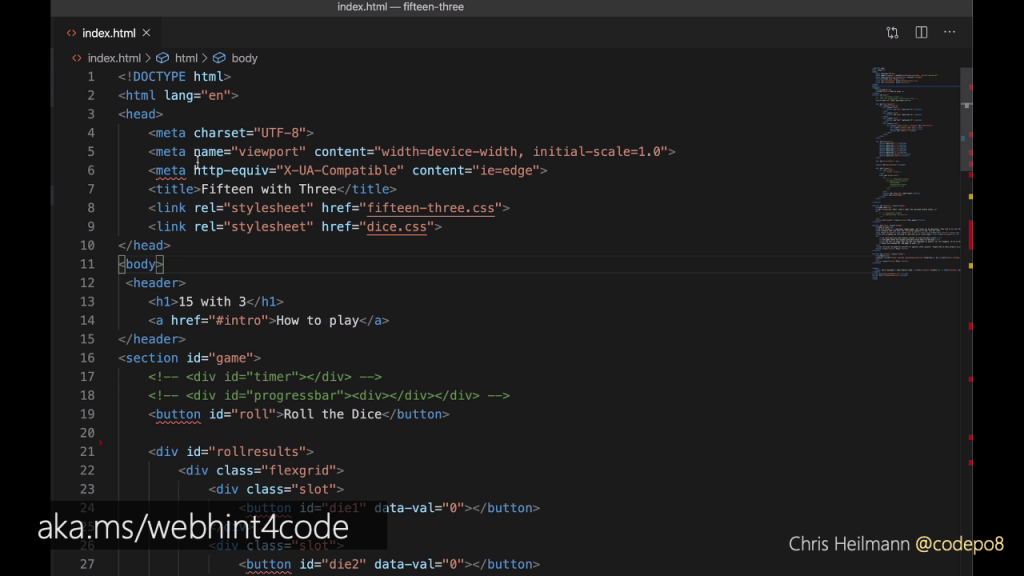
Word and other text editors put red squiggly lines under spelling mistakes. Code editors like Visual Studio Code using information from Mozilla Web Docs can do the same. The above screenshot is the webhint extension running inside the editor. Some elements have squiggly lines under them, meaning something is wrong.
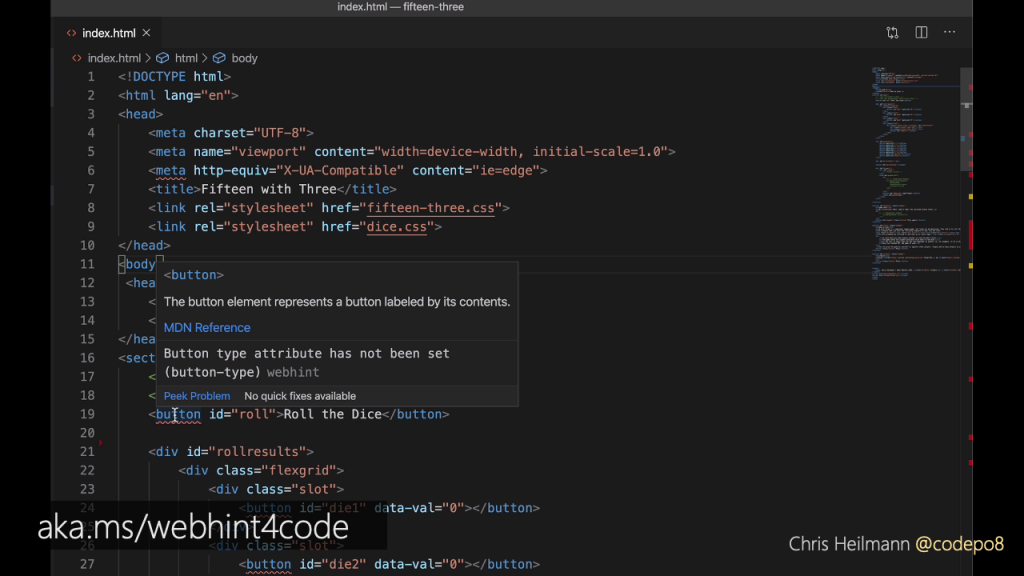
For example, the extension flags up that a button element is exactly what it says. What you might not know though is that to make it work across browsers, you also need to give it a type attribute of “button”. This is where webhint complains. Now you know, you probably won’t forget to add the type next time.
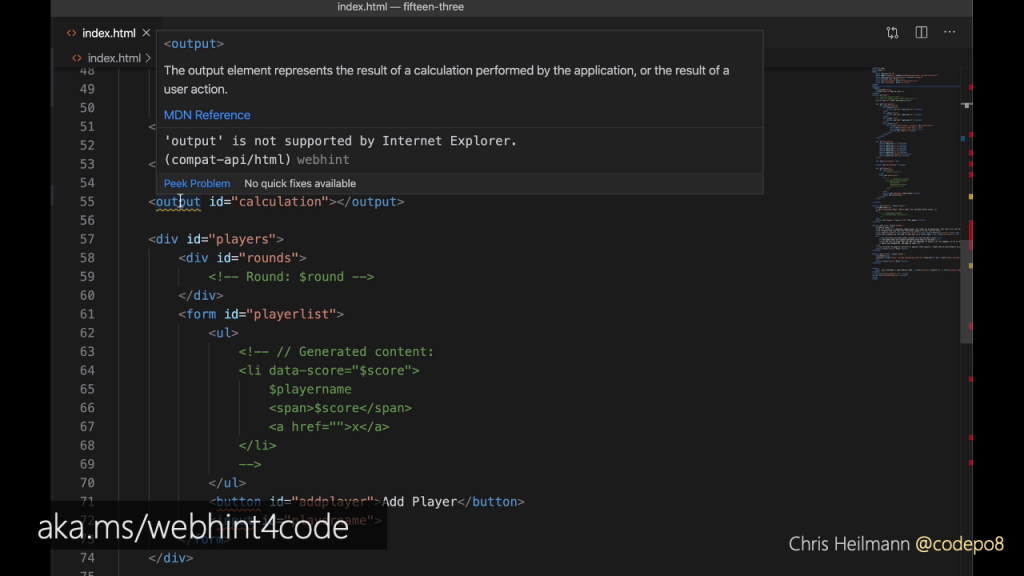
Webhint also knows about cross browser compatibility problems, like the output element not being supported by older versions of Internet Explorer.
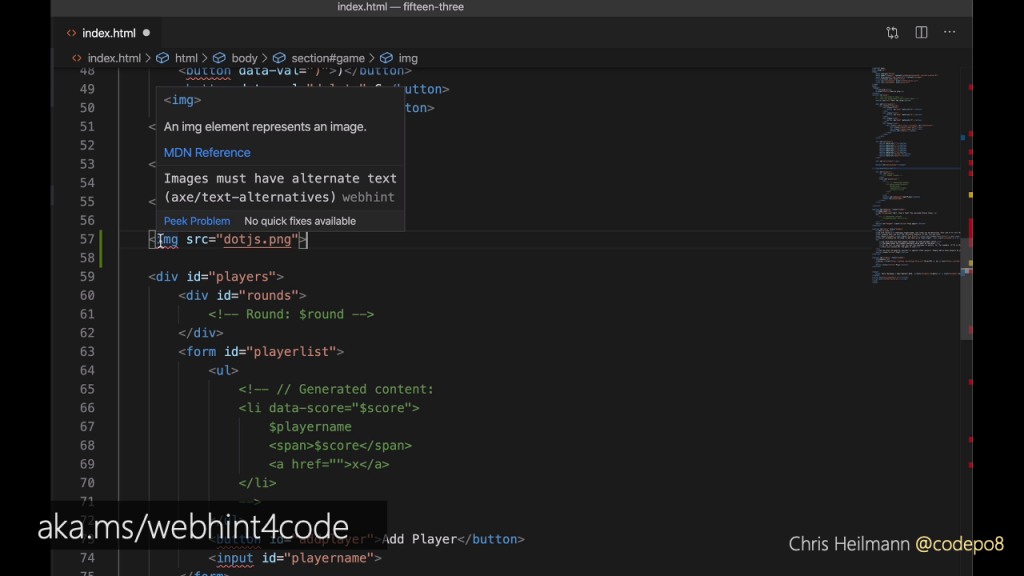
The validation works live while you are typing. For example, an image without an alternative isn’t accessible. So when you close the img tag without adding at least an empty alt attribute, you get a squiggly line.
What about the problem of context switching?
What about the problem of context switching? As both Visual Studio Code and Edge are based on Chromium, we can do something about this. Imagine you write some Sass, and switch over to the browser to see if the outcome works. You tweak some settings in the visual tools until the problems are fixed and then go back to the editor. That’s where it gets tricky. You fixed the generated CSS but you still have to find out which Sass generated that. Using the the Elements for VS Code extension, you can embed the developer tools of the browser directly in the editor. The editor fires up an instance of the browser and hides it in the background. That way you can use both the editor and the visual tools in the same context.

Now we looked at a way to get documentation and best practices into editors. We also found ways to fix content switching even more by adding browser tools to editors. But what about the problem of the full stackoverflow approach? There seems to be no way to stop people from randomly copying and pasting code that works without considering the consequences. It is just too easy and rewarding to do.
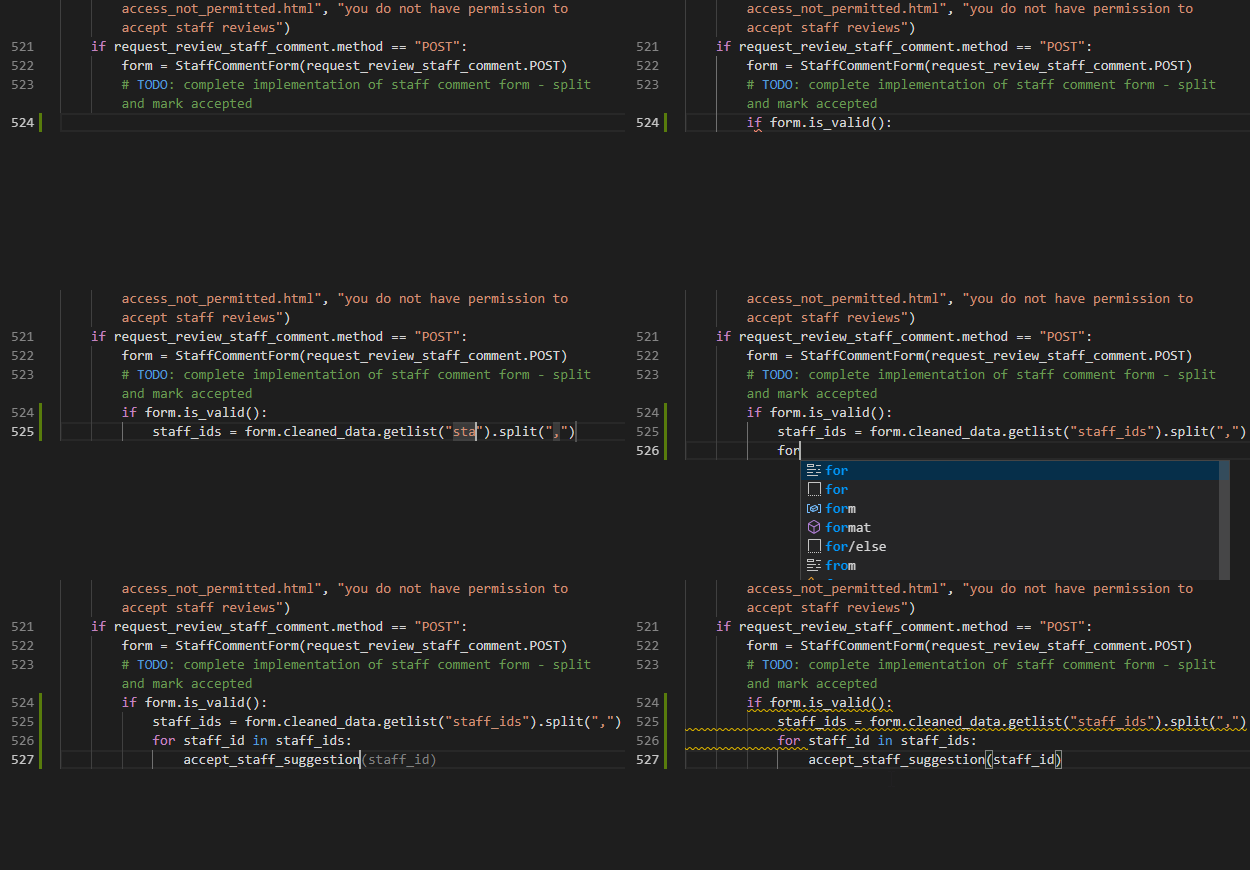
If copying and pasting code is a thing people do, why should people do it? Computers are much better at analysing the performance of code and finding patterns. What you can see in this screencast is an experimental feature of Visual Studio Online called AI-assisted IntelliSense. What it does is use a machine learning model that has been trained on the most successful open source projects on GitHub that did similar tasks to what you’re creating. It then gives you the most likely results from that as an autocomplete option in the editor. In essence, this is copy and paste with a lot more computing smarts.
Another example of seeing a pattern what people do and automate it and make it safer. Randomly copied code from a forum can’t get checked for possible security issues. This can.
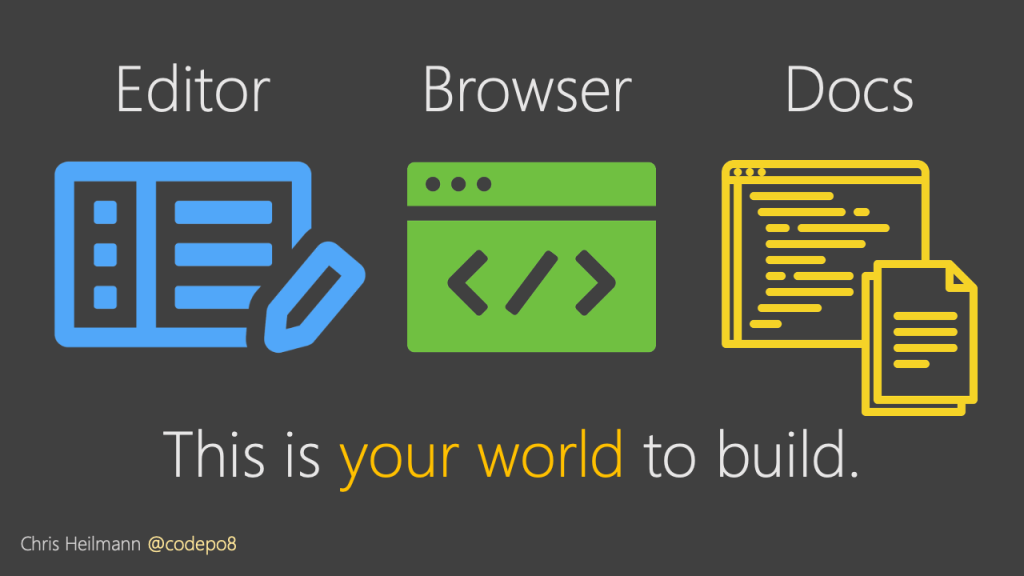
I don’t have all the answers we seek to make development a simpler task. But I think we are well on the way. With an open mind, open ears and open source we can fix a lot of the things that both tire us and make our market appear less appealing.
People are worried about automation and computers taking their jobs. They also are worried about large tech companies ruling the world without opening the doors to people who haven’t got the same education and experience as the ones working in them.
By changing our tools to be more all-encompassing and making our accumulated knowledge part of the development process we make a good start to changing that. And we make it easier for the next generation of developers to focus on delivery, not on knowing all about the toolchain.