I just did a test to apply as a front end developer – and things aren’t going well
Tuesday, May 16th, 2023
As part of one of the job applications I have going I was invited to do a frontend expertise exercise. The role I am applying for is head of frontend for a company. Whilst I found it odd to have to go through this, with my track record being highly visible, I thought, why not? After all it feels sensible to make everyone do the same work to get a job, should you want to compare directly.
Incidentally, this was a big no-no in Mozilla – we never compared applicants, we just measured them on their own results.
I was already confused about the format of the exercise. I had to go to a third party web site and start the assessment. I had all in all 3 hours to finish it. The first 25 minutes were a multiple choice survey that would cover the basics of web development, CSS and accessibility and the rest would be a JavaScript exercise. I already found this painfully askew and maybe a damning view of what web development is these days.
The frontend knowledge part
So I started and got a few multiple choice questions that should validate my chops as a web developer. The questions were:
- Which REST method to use for what action
- What a good REST URL structure would be to access an element of a collection by ID.
- Why JavaScript is a great language offering me four choices of its structure (event loop, object notation…)
- Why Python is a great language for the web
- What the benefits of Kubernetes are
- Defining what Docker is
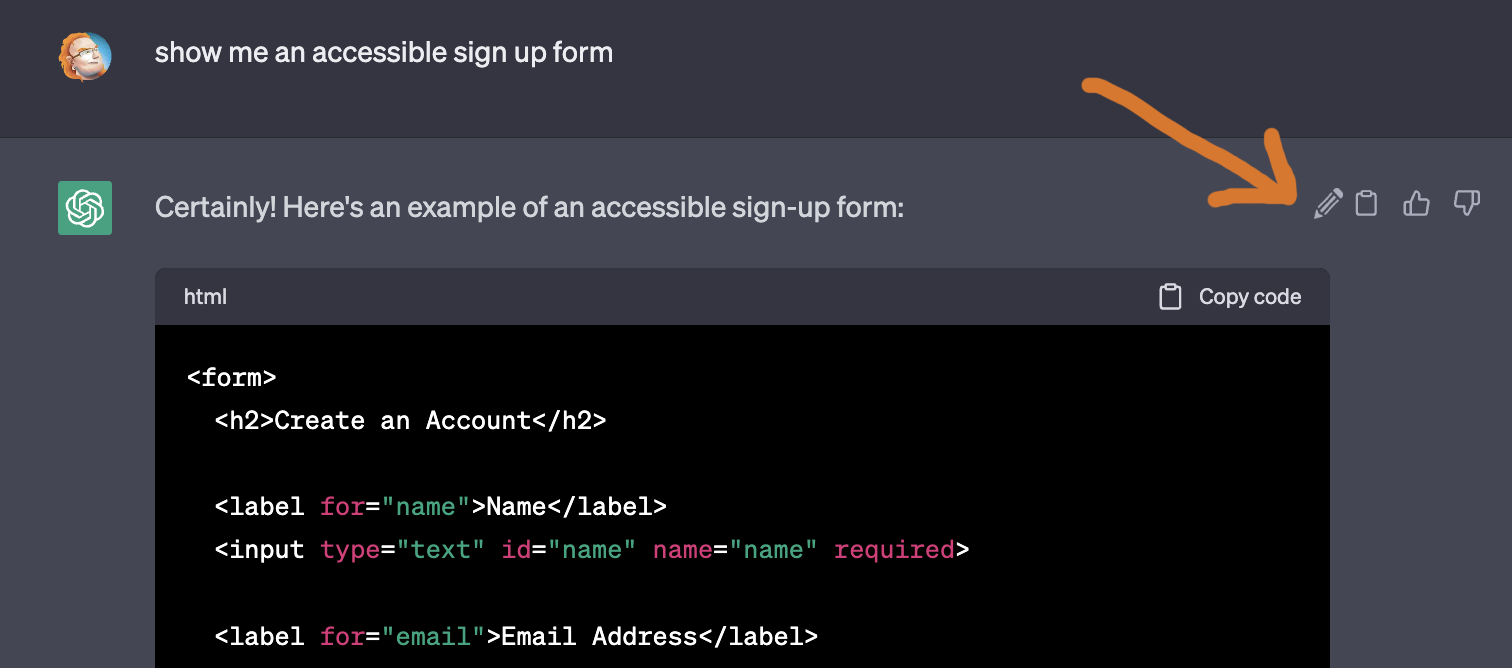
- What accessibility should be part of (design, supporting screen readers, testing, all of the above)
- How to place a DIV to the left of an element (with float being the only option, no flexbox or grid)
This was nothing short of a mess. This was a frontend role. Why would Kubernetes and Docker be in there unless I’d also be responsible for the developer environment and setup. And the frontend related questions were borderline ridiculous. Sure, finding out that accessibility should be part of every step of the process is good, but the question was so vague and there were no details asked what it would need to make a product accessible. What are the main stumbling blocks? What are things we can not do easily and what would be a workaround to offer as an alternative. There was no question about HTML, structure of documents, semantics or interactivity of elements. There was nothing about performance, nothing about security, nothing about the DOM, nothing about CSS other than a hack we should not be using any longer.
The coding part – should I build something for the web?
OK, maybe the JavaScript test would make up for it. Maybe build an app, create an interface and show what I know about that and how to write code that my team later on would find easy to understand and maintain.
The product asked me to either use an in-browser IDE for the task (Monaco, it seems) or clone a GitHub repo and use my own setup. Of course, I chose the latter. It was a sample app with tests already set up and I needed to install it with NPM and use Node to test my solution. No interface at all. Nothing. Just a test suite and a task to complete. The task was to implement a calculator with an alternative syntax to the usual infix notation. I had to write a function that would take a string and return a number. The string would be a mathematical expression in prefix notation. So instead of 1 + 2 it would be + 1 2.
I was a bit confused. I have never seen this notation before and I have been a web developer for 25 years. I have seen a lot of things, but this was new to me. I had to look it up and found that it is a notation that is used in Lisp and other languages. I was not sure why I would need to know this, but I thought, OK, let’s do this. I have 2 hours left, so I can do this.
In the end, I wrote a 20 line JavaScript in 10 minutes and was done. A few gotchas were reversing the array of tokens and flip the order of operands when doing subtractions. How this relates in any way to a frontend role? No clue.
I do like the idea of giving applicants a GitHub repo to clone, set up the dependencies and work on the script until all tests are green. This should be a basic workflow we all are familiar with.
Hiring amazing frontend developers by giving them vague frontend task
The best frontend developers I ever worked with were in Yahoo back in 2006. The reason was partly because we hired people we already knew from mailing lists, conferences, people who wrote about frontend tasks and were keen to share their knowledge.
Another big part of it was the interview process and specifically how we tested people’s frontend skills. What we did was give them a design and a specification how the interactions in that design would work. There was a collapsible menu and a carousel. There was a form that we asked to add client side validation. The design had a few accessibility problems and some subtle inconsistencies.
Applicants could to this in their own time and send us the result (as a zip, most of the time – I had mine hosted on my server in my interview). We then invited them to come to the office and talk us through their solution.
We would ask applicants to:
- Talk us through their solution and why they chose it.
- Show us how they would debug a problem and how they would find out what the problem is.
- Show us how they would test their solution and how they would make sure it works in all browsers.
- Criticise the design. What would they change and why?
The crucial part was not the solution itself. The crucial part was how they explained their solution and how they would approach a problem. We were not looking for the perfect solution, we were looking for people who would be able to work in a team, who would be able to explain their work and who would be able to find out what the problem is and how to fix it.
I remember vividly one of the applicants not knowing that I was part of the interview process and them having used a script from my JavaScript book to solve the solution. I asked them to explain the code and they did. I asked them what they could think of to improve it and they did. The code was open source, so there’s no harm done and I did end up hiring that person.
That, to me, is a sensible test to see how someone approaches web development. What I just filled out is probably a good test to see if someone is a good developer, but it is not a good test to see if someone is a good frontend developer. Give people things to fix. Give people a product that has problems and ask them to improve them or explain why they are issues. Frontend is about building things people use. There is no single solution, there are many ways to solve the same problem. The crucial part is to understand the problem and to find a solution that works for the people who use it. And to understand the environment web products are executed in (browsers) and the technologies that power the interfaces of the web: HTML, CSS and JavaScript – not Kubernetes and Docker.