Accessibility question: is nesting interactive elements bad?
Wednesday, May 27th, 2026I am currently writing a gallery script for myself and ran into an interesting accessibility question. I have a list of galleries with links to each of them. I also wanted to provide a checkbox to allow users to select several galleries and merge or download them. The HTML I use is the following. An unordered list with labels and checkboxes and links inside the label.
<ul> <li><label> <input type="checkbox" name="edit" value="Cats"> <a href="index.php?gallery=Cats">Cats</a> </label></li> </ul> |
Given the right CSS and some breathing space this works well with a mouse and keyboard. You can click next to the link to check the checkbox and on the link to navigate to the gallery. It also works using a keyboard. You can tab through the list and check/uncheck using the space bar. The following screencast shows what that looks like.
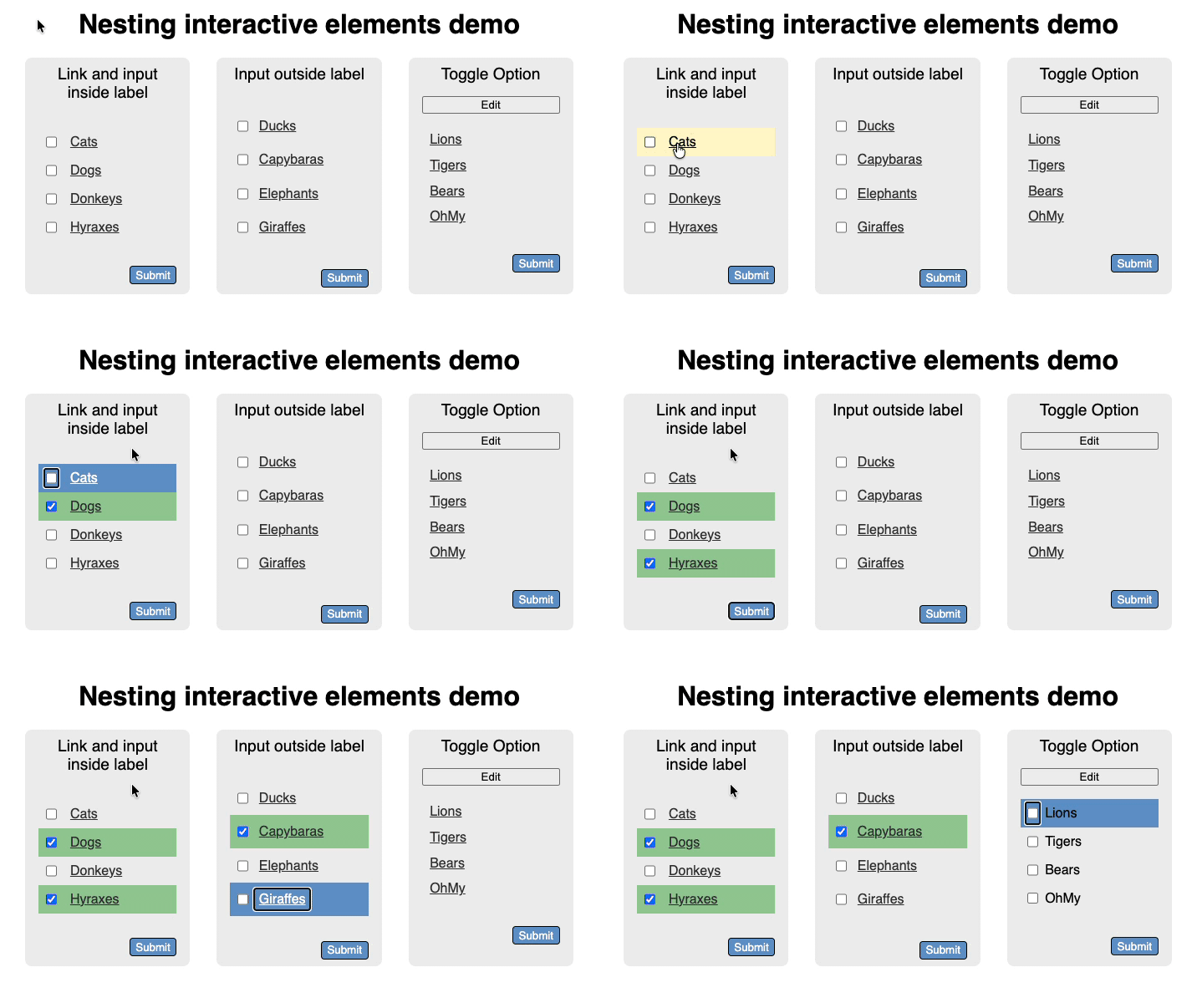
Now, it feels wrong though. I am mixing two interaction modes here, navigation and selection, one being link based and the other form based. I am wondering if that creates any issues for screenreader users. The other thing I am wondering about is if there is an issue with nesting all in the label as some older assistive technology didn’t like that. I can work around that using `for` and `ids`:
<ul> <li> <input id="CBDucks" type="checkbox" name="edit" value="Ducks"> <label for="CBDucks"> <a href="index.php?gallery=Ducks">Ducks</a> </label> </li> </ul> |
The question though is if that is still an accessibility issue and if it doesn’t make more sense to show the navigation as links and create a toggle to switch to the selection use case? What do you think?