My five favourite apps to get my job done
Monday, December 14th, 2009 at 12:05 pmI was asked by .net magazine to list my five most used applications at the moment and why not publish my results here, too. So here is what I use to deliver my day to day job as a developer evangelist:
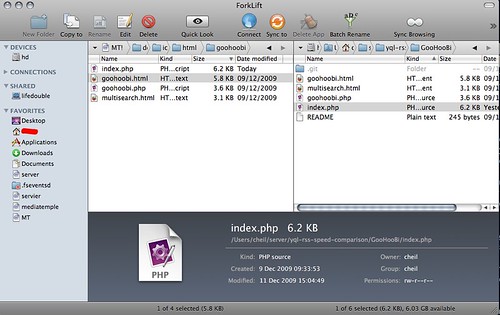
Krusader on Linux, Total Commander on Windows or Forklift on Mac – are the tools I use the most. I do a lot of working with files on various servers and S3 accounts and I am mostly a keyboard user. I love being able to use any web resource like an external hard drive, use ZIPs like folders, and not getting asked if i really want to do this when deleting a file. The other thing all of these do well is giving me a quick access to the command line in the folder I am in to do heavy duty file editing and being able to see two resources side by side make it easy to trace duplicates and diff two folders.
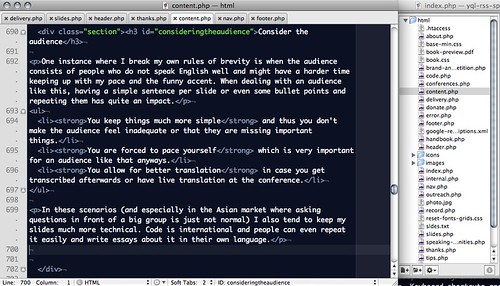
Textmate is my weapon of choice for any editing – including writing. It is very fast, extremely extensible and doesn’t distract me with lots of menus and panels. Keyboard shortcuts and tab completion make it very fast to edit in it and the ability to run scripts from your editor makes it very powerful to create documentation automatically from a folder of files.
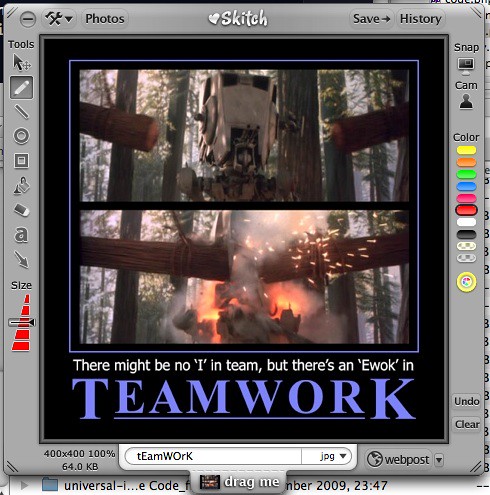
Skitch kept me from waiting for Photoshop opening many a time. For quick screen shots, simple editing of the screen shots and annotating it does a great job. Its integration with flickr makes it also very useful to quickly annotate something and show it to the world.
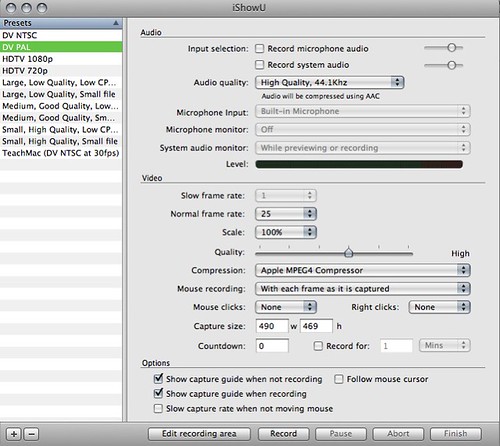
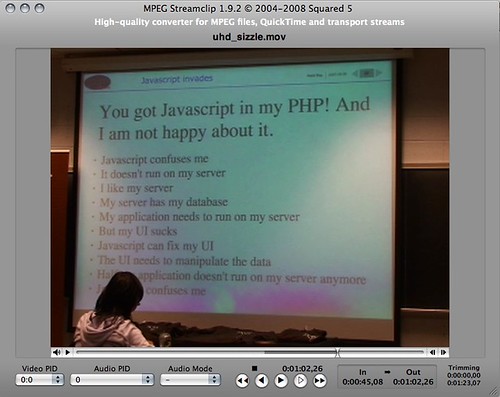
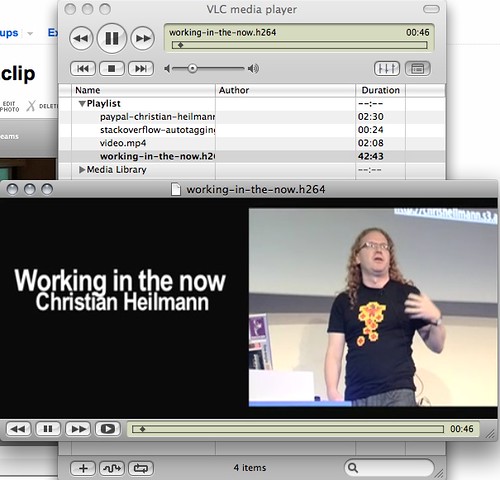
Ishowu is probably the easiest (and cheapest) screencasting tool I’ve ever used. When I still used Windows I used Camtasia and it feels very clunky in comparison. Together with mpegstreamclip for simple editing of the final video and VLC for filtering and encoding tasks this makes your life much easier when your job is to quickly show some functionality to the world.
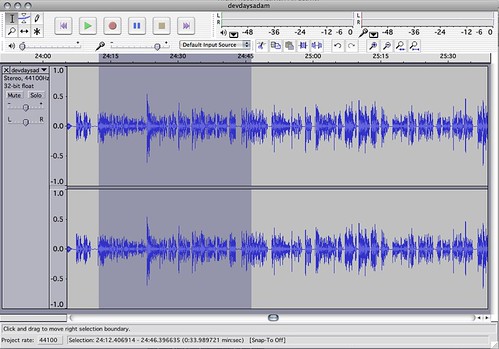
As I want to record my talks and as screencasts turn out better when you don’t do the things and talk at the same time but instead dub the movie afterwards Audacity is my tool for any audio editing and mixing. It is amazing just how much you can do with an open source tool these days – tasks that in my days as an audio producer were only possible with ProTools.
That’s the five. Of course I use more and for other specific tasks (Keynote and Adium and DropBox come to mind), but I was asked for five, so here you go.
Tags: apps, audacity, forklift, ishowu, skitch, textmate, tools