Quick tip: using scrollIntoView() to show added elements to a container with overflow
Friday, August 9th, 2019 at 3:00 pmOften we want to have an interface where we have a container with overflow: scroll with a header and a footer.
One problem with that is that when we add new elements to the container, they do get added to the end of it but the element won’t show up before the user scrolls down.
In the past we hacked around this issue by comparing scrollHeight and clientHeight and setting the scrollTop property of the element. This is error prone and seems overly complicated.
Enter scrollIntoView. Using this API ensuring that a new element shows up to the user is as simple as calling it on the element itself.
Say we have the following list of characters and a button to add more of them.
HTML:
<div class="scrollbody"> <ul> <li>Billy Butcher</li> <li>Hughie Campbell</li> <li>Mother's Milk</li> <li>The Frenchman</li> </ul> </div> <button>Add new character</button> |
In the CSS, we limit the body to scroll and set it to overflow.
.scrollbody { height: 6em; overflow: scroll; } |
With a bit of JavaScript, we can now add new characters every time we click the button:
let characters = ['The Female (of the Species)', 'Lieutenant Colonel Greg D. Mallory','The Legend','The Homelander', 'Black Noir','Queen Maeve','A-Train','The Deep','Jack from Jupiter', 'The Lamplighter','Starlight','Mister Marathon','Big Game', 'DogKnott','PopClaw','Blarney Cock','Whack Job', 'Gunpowder','Shout Out']; let count = 0; document.querySelector('button').addEventListener('click', (ev) => { if (count < characters.length) { let item = document.createElement('li'); item.innerText = characters[count]; document.querySelector('ul').appendChild(item); count = count + 1; } ev.preventDefault; }); |
Now, if you try this out, you see that the new characters are in fact added, but not visible until you scroll down to them.
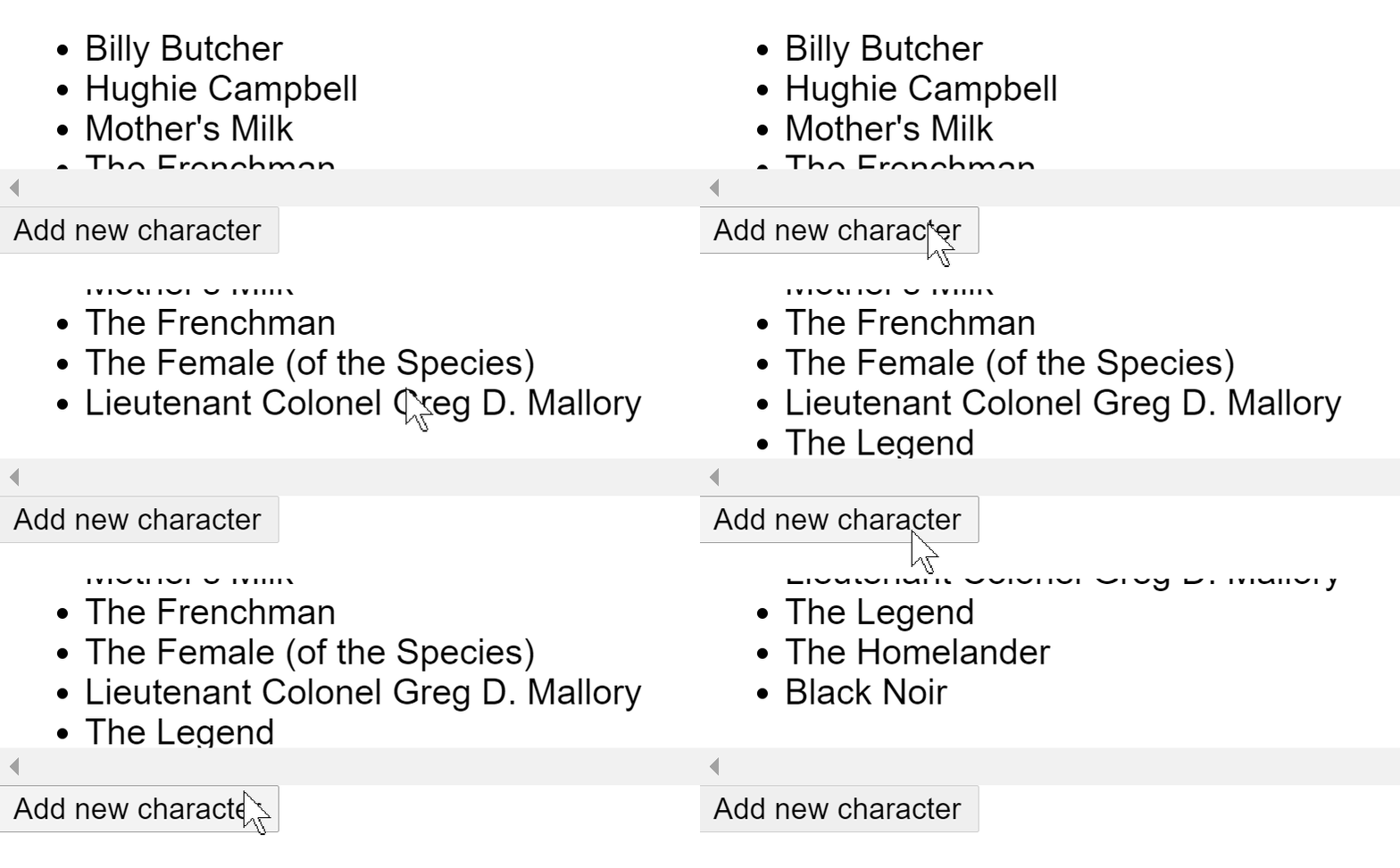
That’s bad. To remedy this, you all you need to to is to add the scrollIntoView call after adding the new list item:
/* list of characters */ let count = 0; document.querySelector('button').addEventListener('click', (ev) => { if (count < characters.length) { let item = document.createElement('li'); item.innerText = characters[count]; document.querySelector('ul').appendChild(item); item.scrollIntoView(); count = count + 1; } ev.preventDefault; }); |
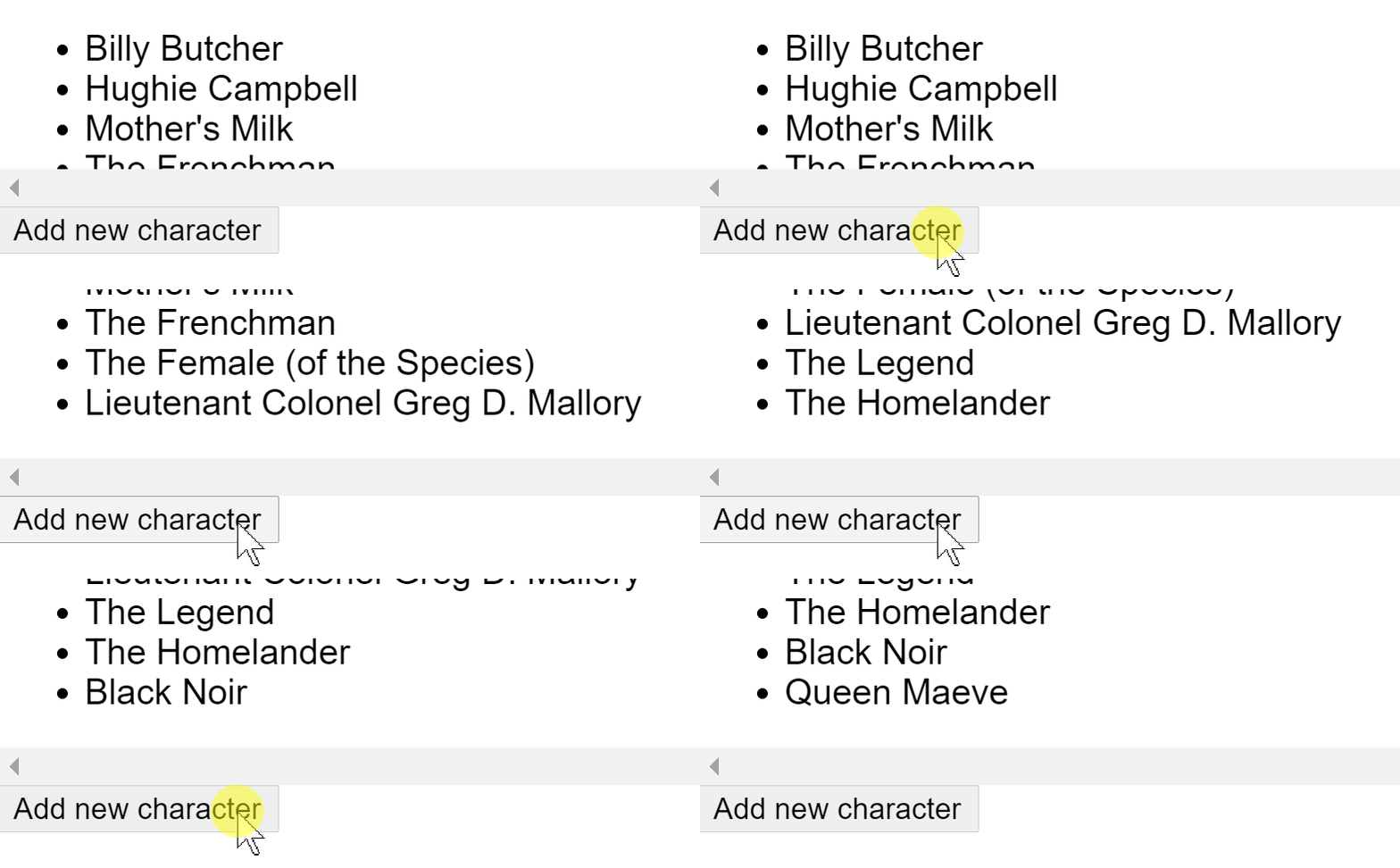
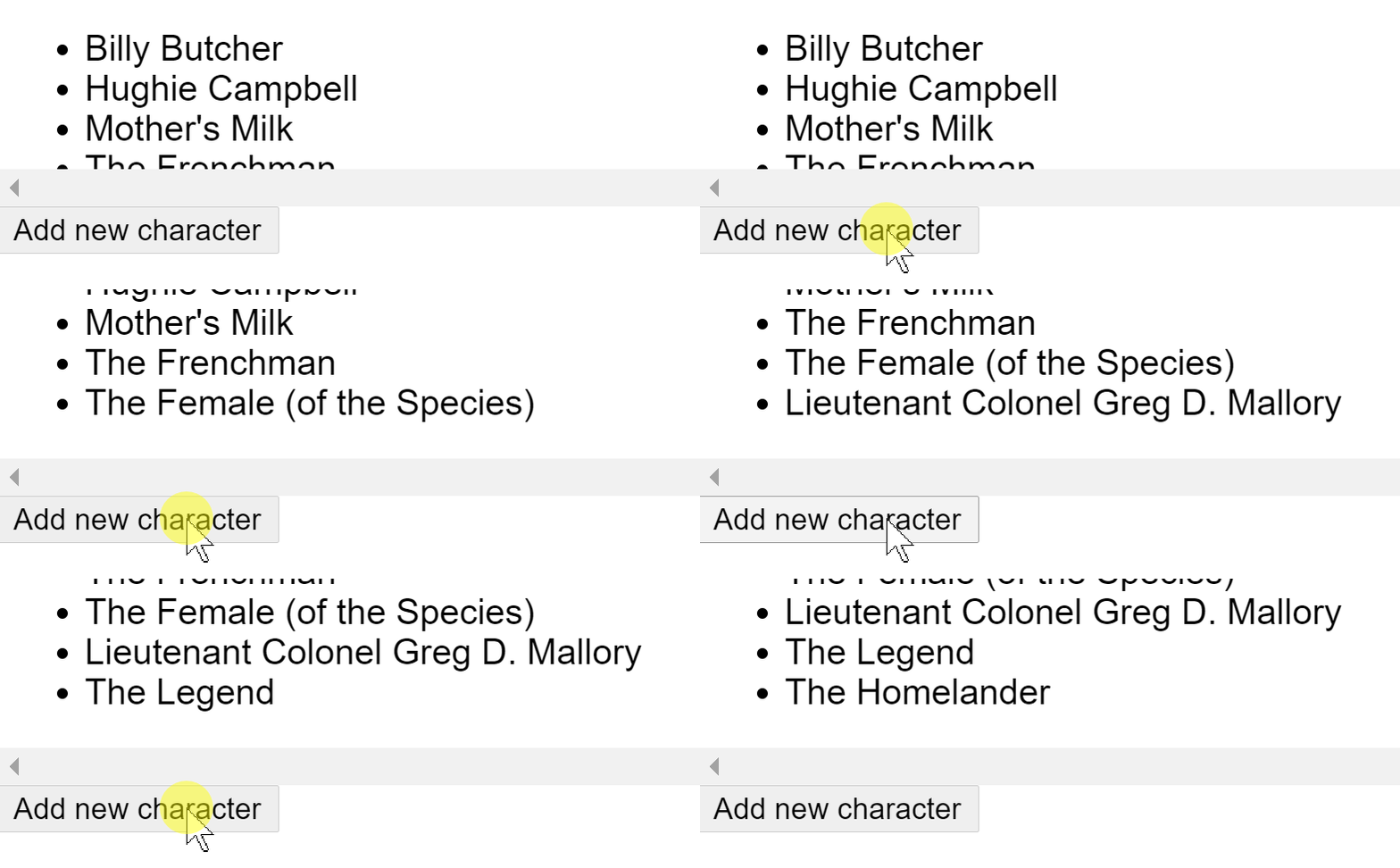
As an extra bonus, you can define the behaviour of the scroll to be smooth, which scrolls it in slowly and not as jarringly:
/* list of characters */ let count = 0; document.querySelector('button').addEventListener('click', (ev) => { if (count < characters.length) { let item = document.createElement('li'); item.innerText = characters[count]; document.querySelector('ul').appendChild(item); item.scrollIntoView({behavior: 'smooth'}); count = count + 1; } ev.preventDefault; }); |
Another reminder to keep looking into what’s in the standard these days rather than finding an old solution on StackOverFlow and keep too complex and not browser-optimised code alive.