A CSS only time progress bar to use in markdown / GitHub Pages
Friday, September 5th, 2025 at 7:34 amFor our weekly WeAreDevelopers Live Show I wanted to have a way to include a time progress bar into the page we show. The problem there was that these are markdown files using GitHub Pages and whilst I do use some scripting in them, I wanted to make sure that I could have this functionality in pure CSS so that it can be used on GitHub without having to create an html template. And this is it:
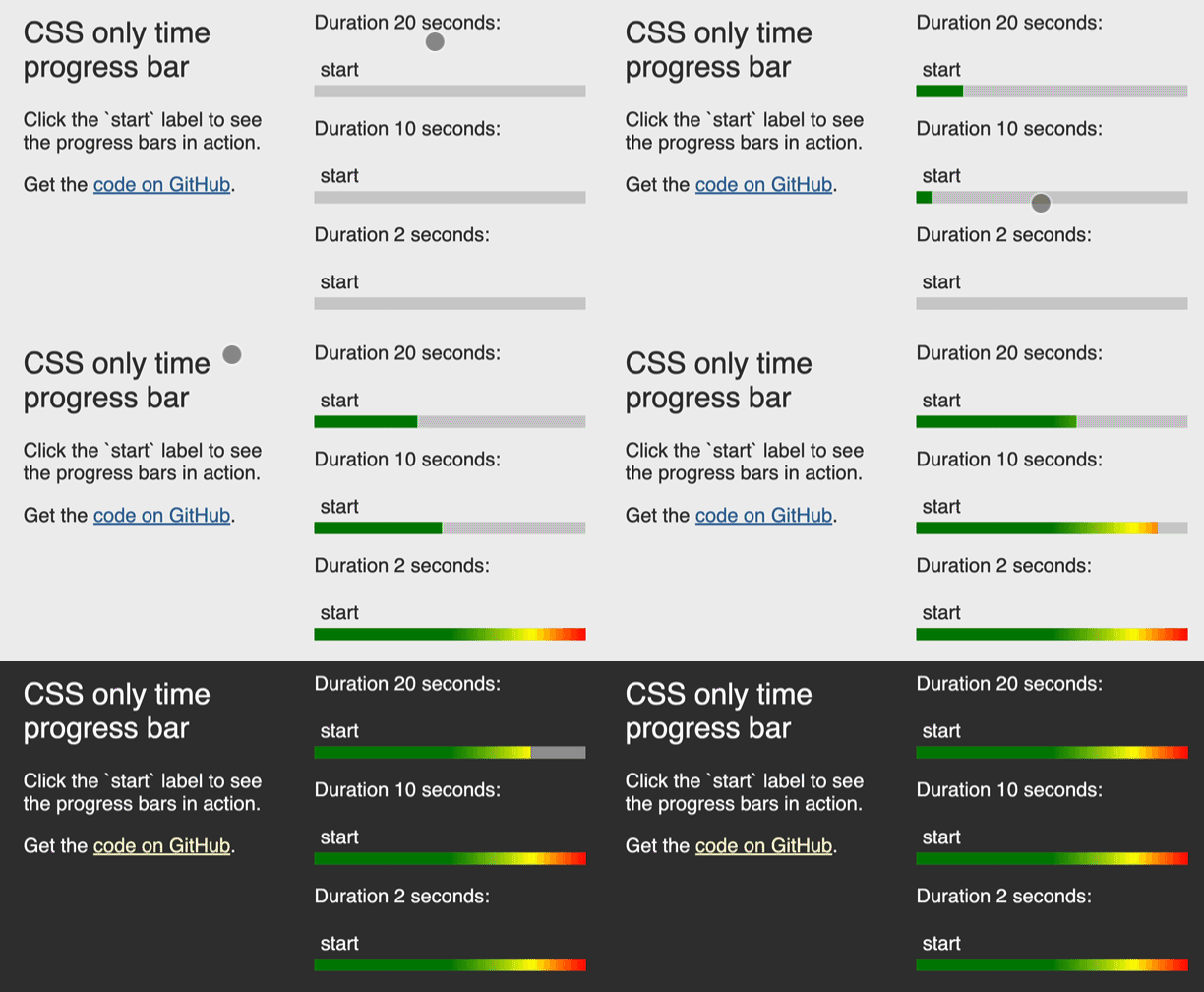
The bars support dark and light mode and should be pretty bullet proof. You can check out the demo page to see the effect in action with the liquid source code or play with the few lines of CSS in this codepen. Fork the repo to use it in your pages or just copy the `_includes` folder.
Using the CSS time progress bar
You can use as many bars as you want to in a single page. The syntax to include a bar in a markdown file is the following:
{% include cssbar.html duration="2s" id="guesttopic" styleblock="yes" %} |
- The `duration` variable defines how long the progress should take
- The `id` variable is necessary to and has to be unique to make the functionality work
- If the `styleblock` is set, the include will add a `style` with the necessary css rules so you don’t have to add them to the main site styles. You only need to do that in one of the includes.
Using the bar in HTML documents
You can of course also use the bar in pure HTML documents, as shown in the codepen. The syntax is:
<div class="progressbar" style="--duration: 2s;"> <input type="checkbox" id="progress"> <label for="progress">start</label> </div> |
Don’t forget to set a unique id both in the checkbox and the label and define the duration in the inline style.
Drawbacks
- This is a bit of a hack as it is not accessible to non-visual users and abuses checkboxes to keep it CSS only. It is keyboard accessible though.
- In a better world, I’d have used an HTML `progress` element and styled that one…