Using Live Server with Developer Tools in Visual Studio Code
Tuesday, November 22nd, 2022 at 9:52 pm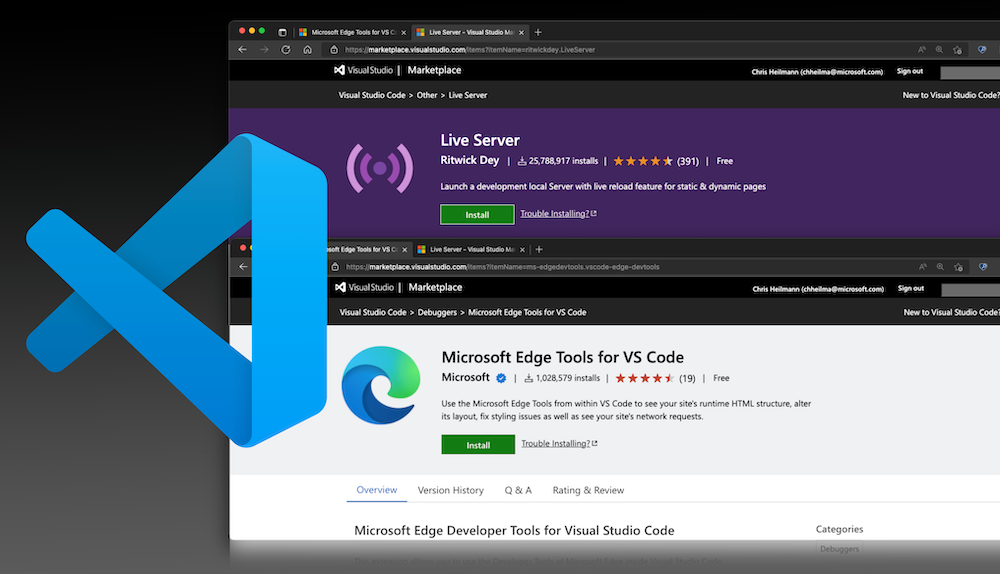
By using the Edge DevTools extension together with Live server in VS Code you don’t only get a server that shows your changes live in the browser, but a browser and developer tools right in the editor
The Live Server extension for Visual Studio code has been installed 25M times and is incredibly useful. It enables you to right-click an HTML document, and it runs a server for you and opens a browser window with the file in it. Any changes you make to the file causes the browser to reload and you can immediately see them – hence “live server”.
The problem is that you still have to jump in between the editor and the browser if you want to debug the project using the browser developer tools.
If you use the Edge DevTools for VS Code in addition to live server, you don’t have that problem. Instead you can:
- Get a live preview of changes to the file in a browser window right inside VS Code
- Use the browser developer tools and automatically sync the changes with your source files
- Get information about issues in your code and how to fix them
- Get a Console to try out JavaScript or see your `console.log()` messages right in VS Code
You can see this in action in the following video:
The process is not quite straight forward yet, but we’re working on it.
- Right-click the file you want to open and choose “Open with live server”
- Copy the location from the URL bar of the browser tab that Live server opened
- Go back to VS Code and right-click the same file, this time choosing “Open with Edge” and either “Open Browser” or “Open browser with DevTools”
- In the browser panel that opens, paste the URL from earlier
- … and that’s it.
What could be done to make that easier? You can chime in on this issue on GitHub to give us some ideas .