Christian Heilmann

Removing the camera overlay icon on images in Microsoft Edge

Friday, November 4th, 2022 at 11:41 am

The more options menu of the overlay

If you use Microsoft Edge, you get a camera icon when you hover your mouse over any image:

Camera icon when you hover over an image

This is a great tool for users as it allows them to do a visual search in a sidebar for that image.
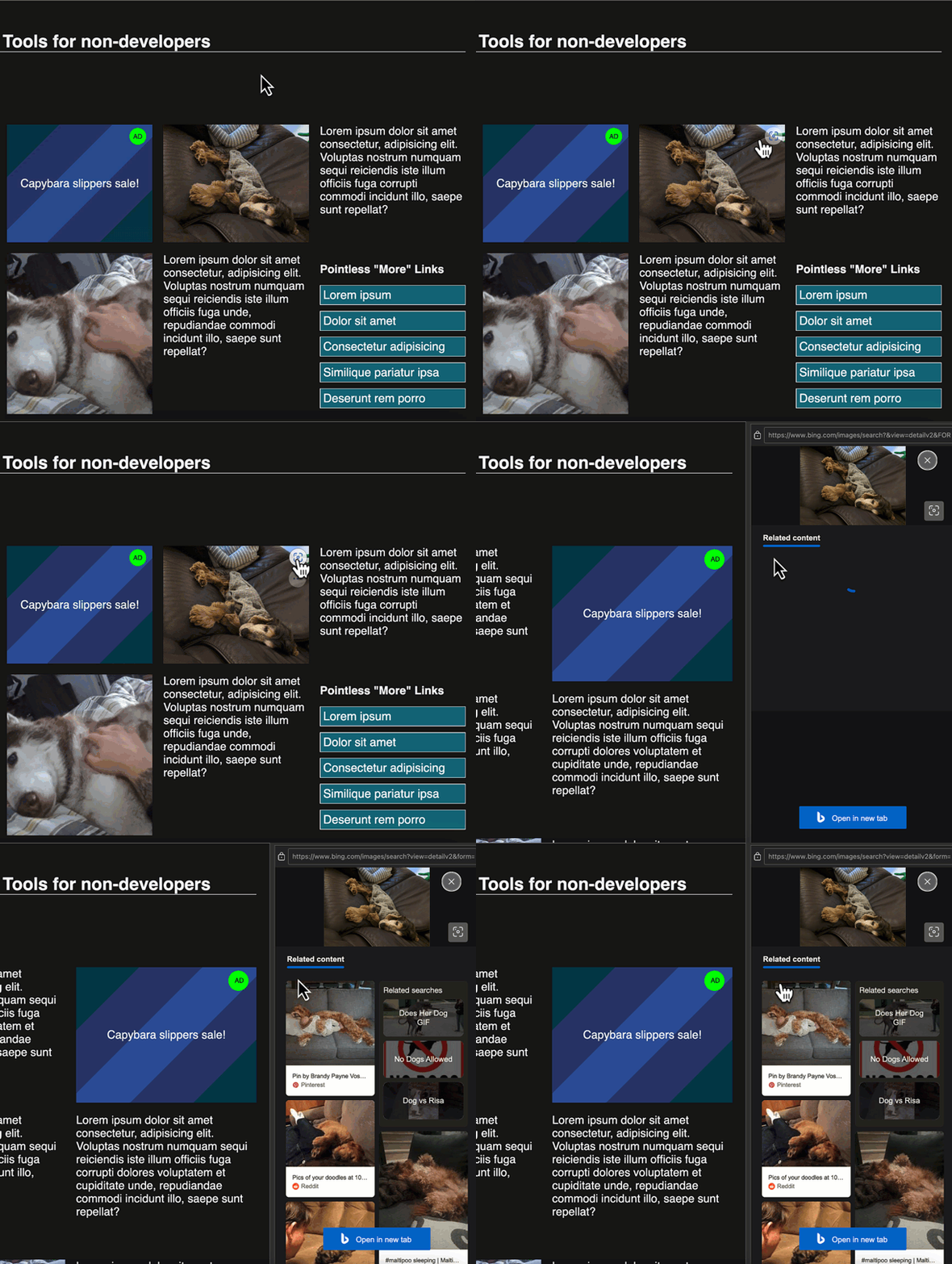
Interaction showing more related images in a sidebar

During local development, the icon appears on images, too, but the results don’t show up. That means it interferes with your design and doesn’t work.

If you hover longer over the icon, you can access an overflow menu `…` which allows you to hide the icon for this site, to always hide it, to go to the settings and to give feedback.

More options menu on hover

You can also go to the browser settings edge://settings/appearance/visualSearch to add sites you don’t want to see visual search by hand.

The settings page for visual search

Share on Mastodon (needs instance)

Share on BlueSky

Newsletter

Check out the Dev Digest Newsletter I write every week for WeAreDevelopers. Latest issues:

Don't stop thinking, AI Slop vs. OSS Security, rolling your own S3 Despite AI you still need to think, Bitter lessons from building AI products,  AI Slop vs. OSS security and pointer pointer…
200: Building for the web, what's left after rm -rf & 🌊🐴 vs AI What remains after you do a rm -rf? Why do LLMs know about a seahorse emoji? What image formats should you use? How private is your car?
Word is Doomed, Flawed LLM benchmarks, hard sorting and CSS mistakes Spot LLM benchmark flaws, learn why sorting is hard, how to run Doom in Word and how to say "no" like a manager.
30 years of JS, Browser AI, how attackers use GenAI, whistling code Learn how to use AI in your browser and not on the cloud, why AI makes different mistakes than humans and go and whistle up some code!
197: Dunning-Kruger steroids, state of cloud security, puppies>beer

My other work: