Quick tip: embedding YouTube Videos in GitHub pages
Wednesday, September 14th, 2022 at 10:49 am
GitHub Pages is a great way to host some of your content online. All you need to do is to write some markdown files and tell GitHub to create it as a page.
The problem is that you can’t just add some HTML into your markdown to – for example – embed a YouTube video. It does work if all you include is the YouTube iframe, but when you work with professional markdown repos, this will be flagged up as an error or security problem.
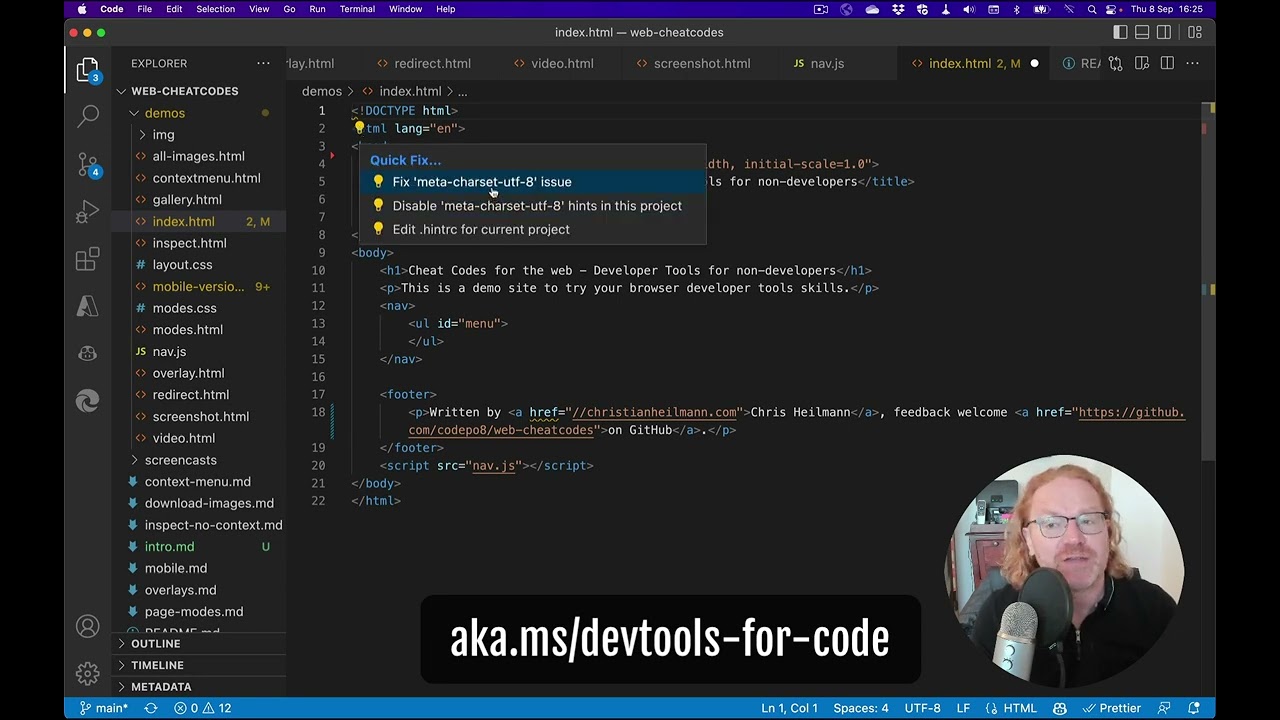
A workaround that many people use is to embed a linked preview of the video :
If your YouTube URL is https://www.youtube.com/watch?v=JLMbpiywVxQ the important part is the ID after the `v=`, in this case `JLMbpiywVxQ`.
You can then use the following markdown to embed a link to the video with a preview image of it. YouTube automatically creates these preview images.
[![Final video of fixing issues in your code in VS Code] (https://img.youtube.com/vi/JLMbpiywVxQ/maxresdefault.jpg)] (https://www.youtube.com/watch?v=JLMbpiywVxQ) |
If, however, you want to embed the video in markdown files, you need to do a bit more.
1. Go to the root of your GitHub repo with the markdown files and create a folder called `_includes`.
2. In this folder, create a file called `youtube.html`. Paste this HTML and CSS and save it.
<div class="embed-container"> <iframe width="640" height="390" src="https://www.youtube.com/embed/{{ include.id }}" frameborder="0" allowfullscreen></iframe> </div> <style> .embed-container { position: relative; padding-bottom: 56.25%; height: 0; overflow: hidden; max-width: 100%; } .embed-container iframe, .embed-container object, .embed-container embed { position: absolute; top: 0; left: 0; width: 100%; height: 100%; } </style> |
Now you can embed any YouTube video in your markdown files using the following:
{% include youtube.html id="JLMbpiywVxQ" %} |
With the ID being the YouTube ID.
You can see this in action and fork the youtube embed demo repository if you don’t want to do it by hand.