CSS is awesome: A dark/light mode switch with preference detection in 15 lines of CSS
Tuesday, January 26th, 2021 at 9:37 pmI just love how far CSS has come in the last few years. With custom properties and media queries you can achieve so much in just a few lines of code.
For example, these 15 lines make sure that users of light mode in their operating systems get a black on white document and those with a dark mode setting a white on dark one:
:root { --foreground: #111; --background: #f8f8f8; } @media (prefers-color-scheme: dark) { :root { --foreground: #f8f8f8; --background: #111; } } body { font-family: helvetica, sans-serif; color: var(--foreground); background: var(--background); } |
We define two properties called foreground and background and set them to dark on white as a default. We then check if the preferred colour scheme is dark using a media query and flip them if it is. Instead of fixed colours for color and background we use the properties and that’s that :).
You can try it out in this codepen. Users of dark mode should get a dark document, others a light one.
See the Pen
Target styling demo by Christian Heilmann (@codepo8)
on CodePen.
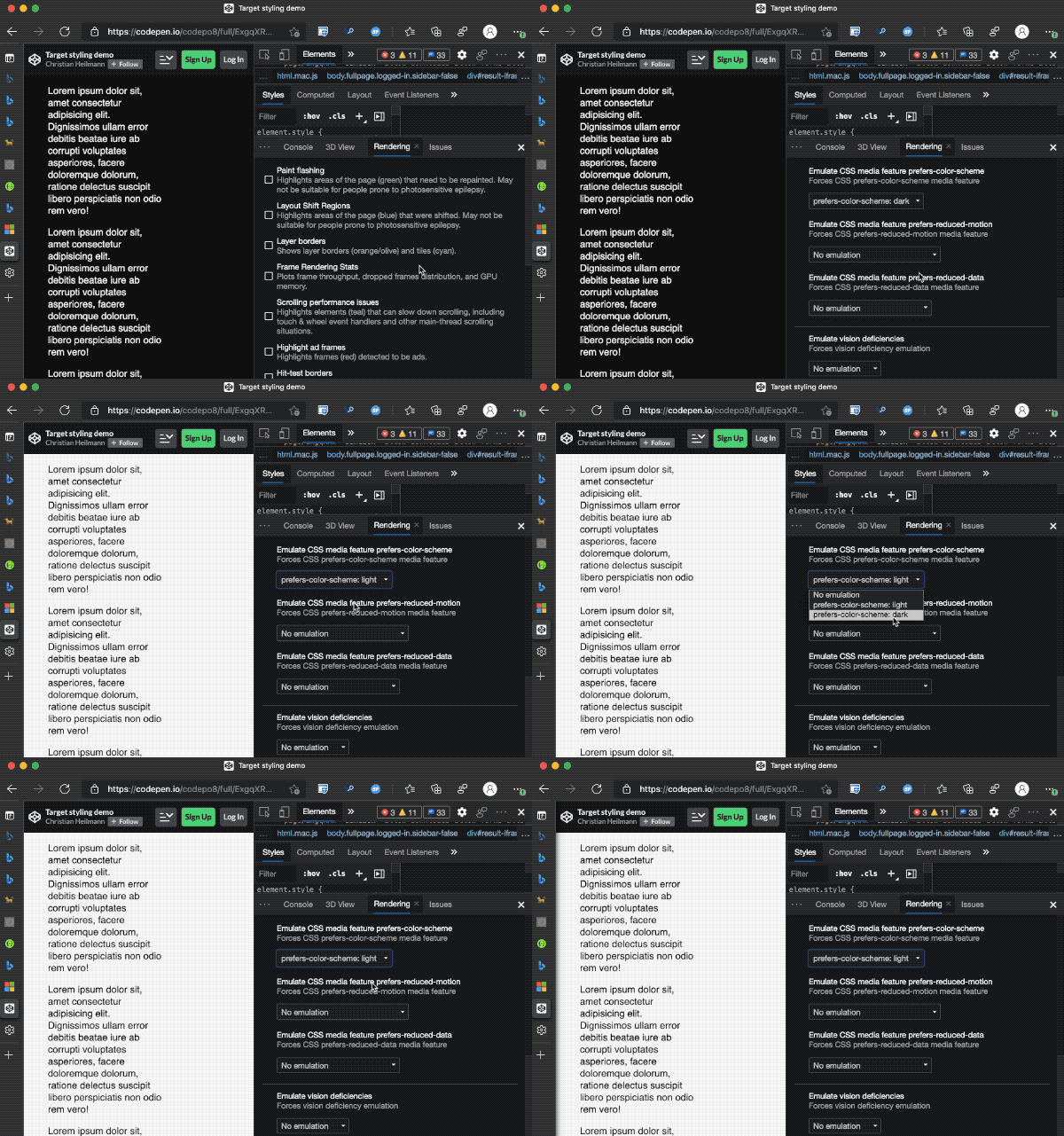
You can try this out using the simulation options in Browser Developer tools :
CSS tricks has a great article that covers all on media queries if you want to learn more.