Quick developer tools tip: simulating dark/light colour mode
Thursday, January 30th, 2020 at 4:27 pmNewer operating systems come with a dark/light mode option and also a “prefers reduced motion” mode. This also affects our products and we should test them in these modes to make sure there is no glaring problem. There is also a high contrast mode in Windows which is an accessibility feature that should be on our radar to test for.
Now, to avoid having to change your whole OS to test for this, browser developer tools have simulators for these modes.
In Microsoft Edge, these are in the “more tools” section.
Here’s the journey;
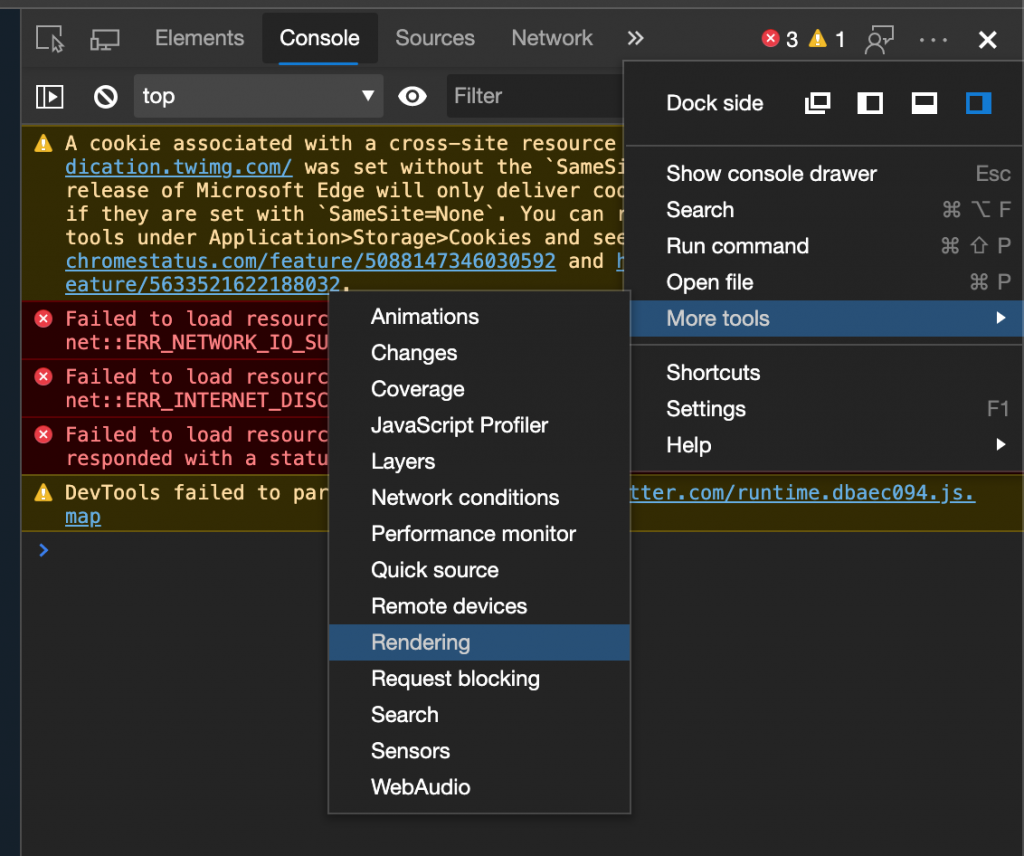
- Click the “...”
- Select “More tools”
- Select “Rendering”
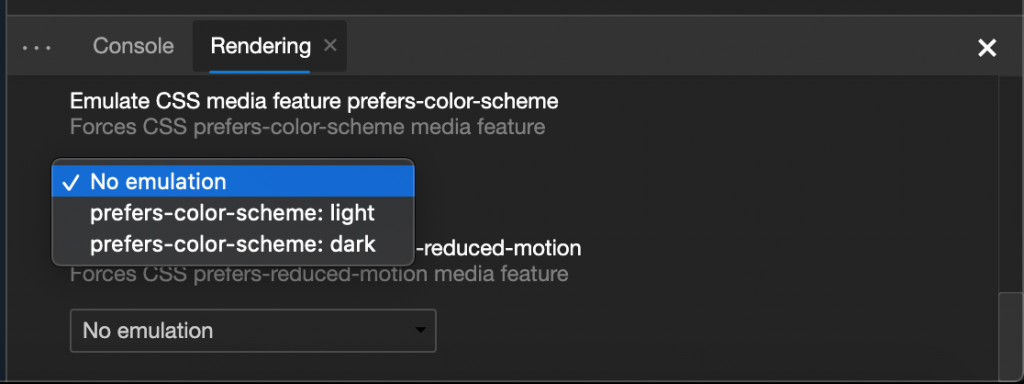
- In the lower console, scroll down to “Emulate CSS media feature prefers-color-scheme” and toggle.
Here’s a screencast showing it in action .
If you prefer screenshots of the journey, here they are:
Now, on a personal note, I think these are kind of hidden and I am not surprised people don’t know about that. Given that we are also considering extending these to add more emulations (like high contrast mode) the question is what we could do to make this easier.
One way is to use the keyboard shortcuts. You can open the developer tools and press Ctrl/Cmd + Shift + P and type “dark” or “light”. Make sure to select the rendering parts of the menu though and not switching the theme of the devtools themselves.
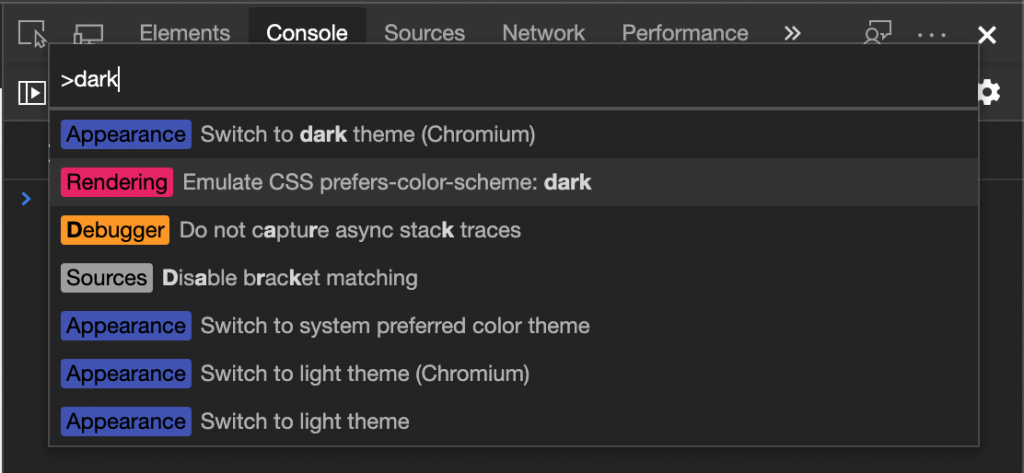
This is not a Microsoft Edge specific functionality, any Chromium based browser has this.
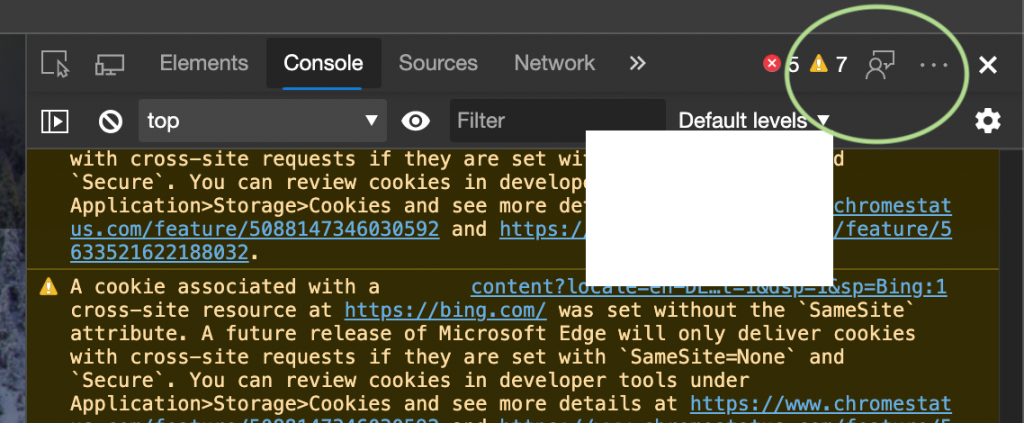
Do you have any idea how to make this even easier? Please report issues you find using the feedback tool in the developer tools:
You can also always ping me @ codepo8 or the official Microsoft Edge Devtools account @ EdgeDevTools on Twitter.